iPad Cases, Keyboards & Pencils | Shop Accessories
-
NEW
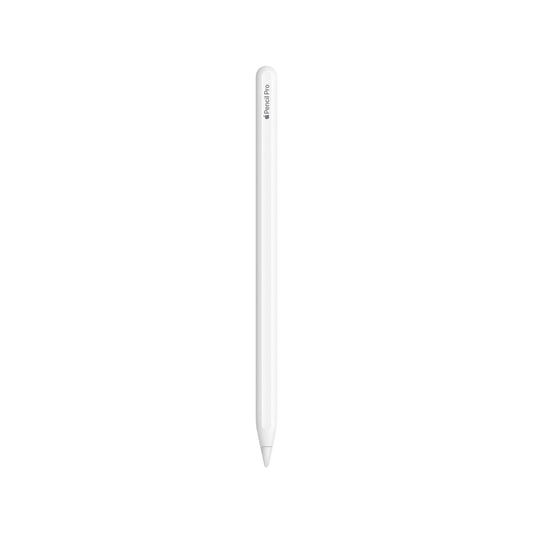
Apple Pencil Pro
₹ 11,900Unit price per₹ 11,900₹ 11,900
-
NEW
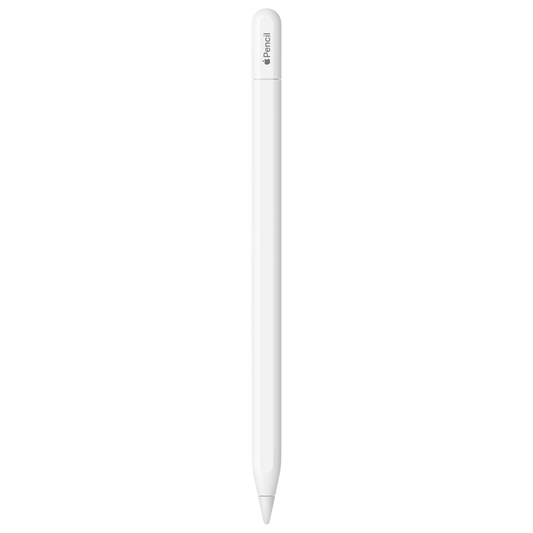
Apple Pencil (USB-C)
₹ 7,900Unit price per₹ 7,900₹ 7,900
-
NEW
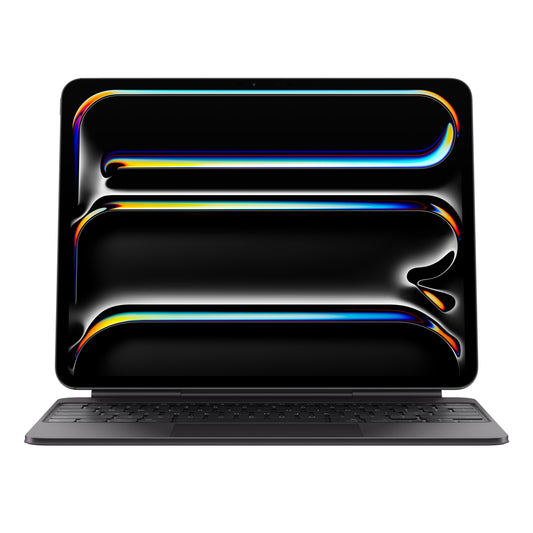
Magic Keyboard for iPad Pro 13‚Äëinch (M4) - US English - Black
₹ 33,900Unit price per₹ 33,900₹ 33,900
-
NEW
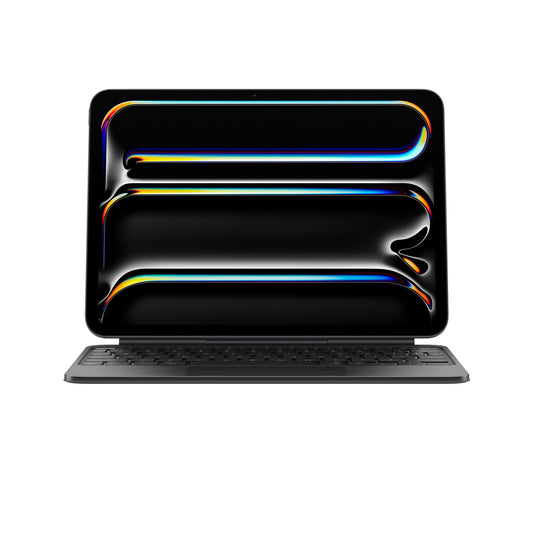
Magic Keyboard for iPad Pro 11‚Äëinch (M4) - US English - Black
₹ 29,900Unit price per₹ 29,900₹ 29,900
-
IN STOCK
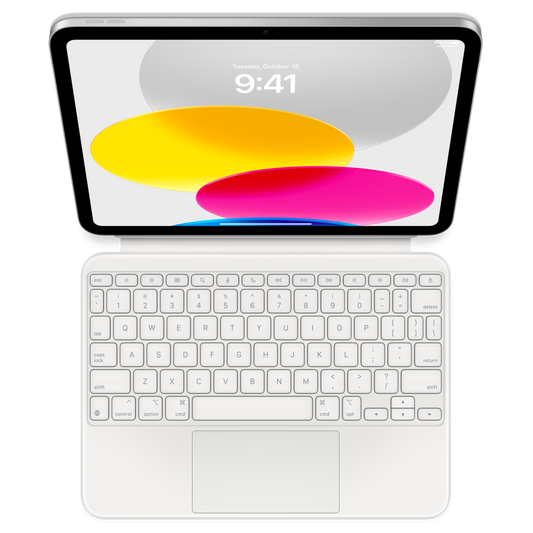
Magic Keyboard Folio for iPad (10th generation) - US English
₹ 24,900Unit price per₹ 24,900₹ 24,900
-
Smart Folio for iPad Pro 12.9-inch (6th generation) - Marine Blue
₹ 10,900Unit price per₹ 10,900₹ 10,900
-
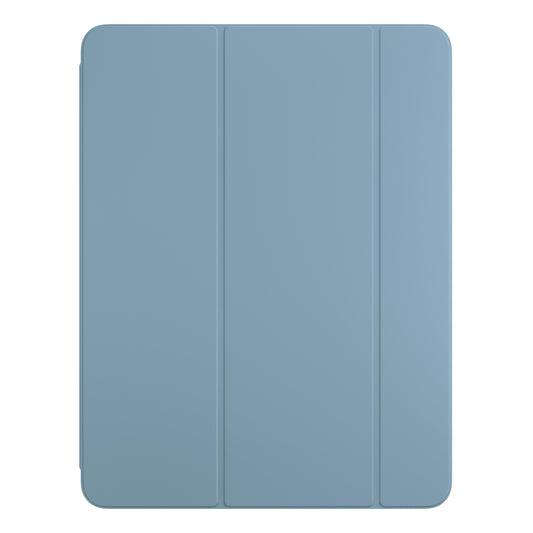
Smart Folio for iPad Pro 13-inch (M4) - Denim
₹ 10,900Unit price per₹ 10,900₹ 10,900
-
IN STOCK
Smart Cover for iPad (9th generation) - English Lavender
₹ 5,500Unit price per₹ 5,500₹ 5,500
-
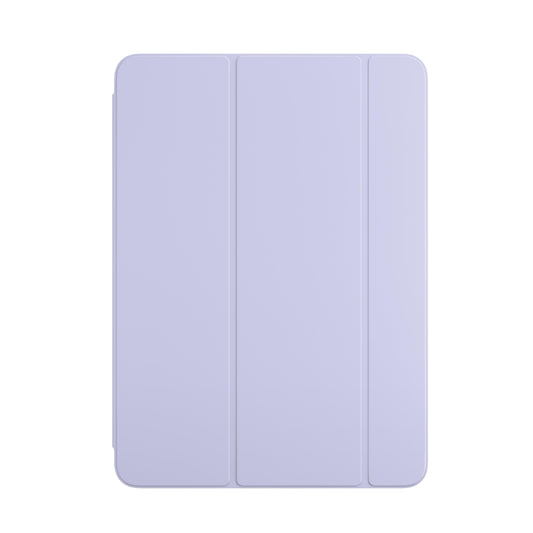
Smart Folio for iPad Air 13-inch (M2) - Light Violet
₹ 10,900Unit price per₹ 10,900₹ 10,900
-
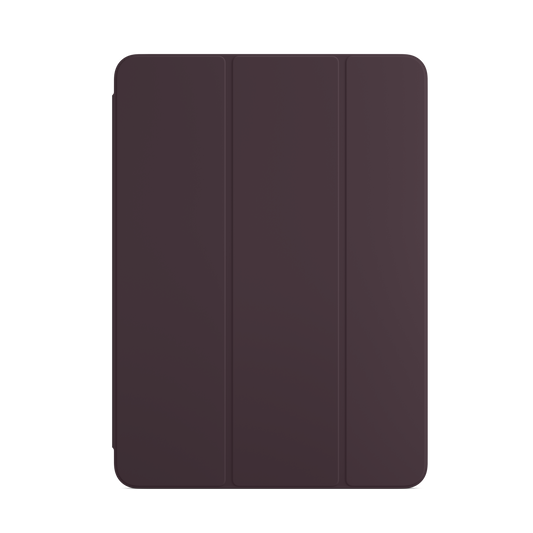
Smart Folio for iPad Air (5th generation) - Dark Cherry
₹ 6,375Unit price per₹ 8,500₹ 6,375
-
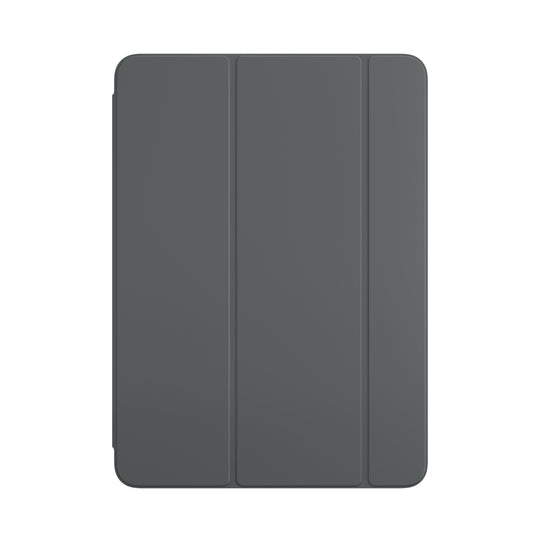
Smart Folio for iPad Air 13-inch (M2) - Charcoal Grey
₹ 10,900Unit price per₹ 10,900₹ 10,900
-
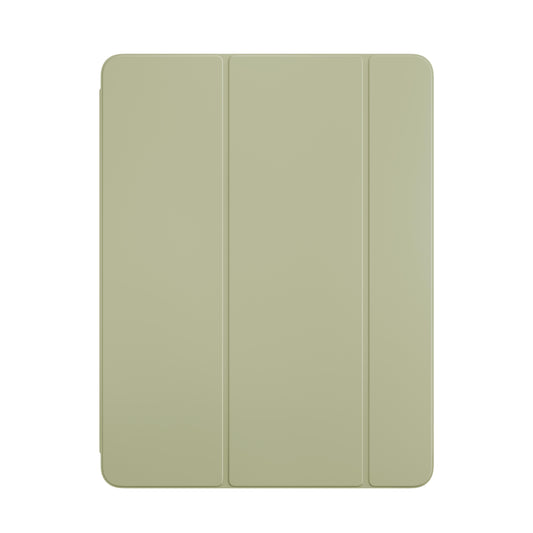
Smart Folio for iPad Air 11-inch (M2) - Sage
₹ 8,500Unit price per₹ 8,500₹ 8,500
-
IN STOCK
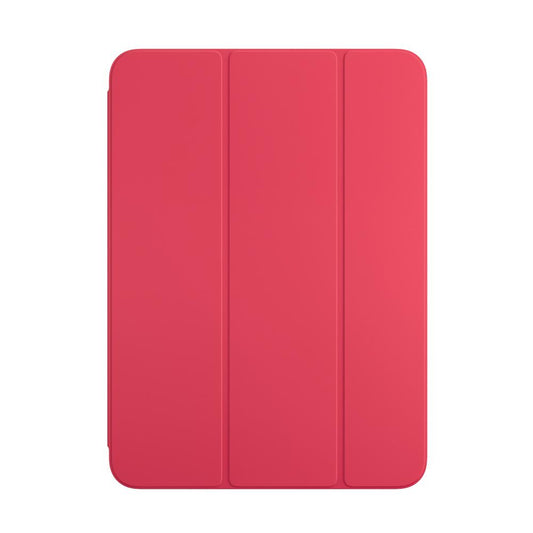
Smart Folio for iPad (10th generation) - Watermelon
₹ 8,500Unit price per₹ 8,500₹ 8,500
-
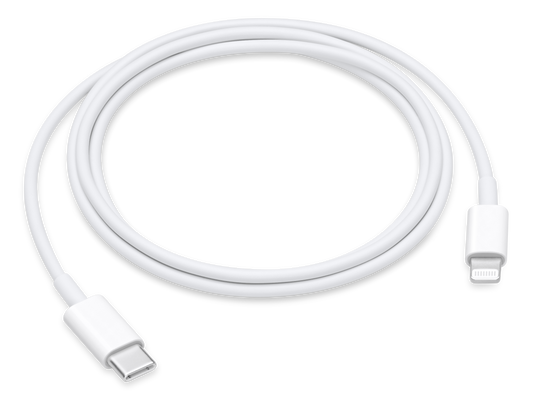
USB-C to Lightning Cable (1m)
₹ 1,900Unit price per₹ 1,900₹ 1,900
USB-C to Apple Pencil Adapter
₹ 900Unit price per₹ 900₹ 900
Smart Folio for iPad Pro 11-inch (4th generation) - Marine Blue
₹ 8,500Unit price per₹ 8,500₹ 8,500
Apple Pencil (1st Generation) - Includes USB-C to Apple Penci...
₹ 9,500Unit price per₹ 9,500₹ 9,500
Smart Folio for iPad Pro 12.9-inch (5th generation) - English ...
₹ 10,900Unit price per₹ 10,900₹ 10,900
Smart Folio for iPad mini (6th generation) - White
₹ 6,500Unit price per₹ 6,500₹ 6,500
More Details
iPad Accessories - Apple Pencil, Magic Keyboard, Smart Folio, and Complete iPad Setup at Imagine Store
Equipping an iPad with the right accessories transforms Apple's tablet from a capable standalone device into a complete productivity workstation, creative studio, or entertainment system that rivals traditional laptops in functionality while maintaining the portability and touch-first interface that make iPads distinctive. Available through Imagine Store's comprehensive iPad accessories collection, genuine Apple-designed peripherals Apple Pencil for precision input, Magic Keyboard for laptop-style typing, Smart Folio for protection and positioning, AirPods for wireless audio, and charging solutions optimized for iPad's power requirements address the specific use cases that define how students, professionals, and content creators actually use their iPads throughout the day. Whether you need iPad accessories for students pursuing digital note-taking workflows, iPad accessories for drawing that support professional illustration and design work, or the best accessories for iPad that transform the tablet into a presentation device, the curated selection at Imagine Store focuses on genuine Apple products and certified third-party solutions that maintain compatibility, build quality, and integration standards rather than flooding buyers with marketplace alternatives that promise functionality but deliver compatibility issues, poor materials, or abandoned support.
Expert Overview: iPad Accessories
Imagine Store operates as an Apple Premium Partner and Authorized Reseller across India, a distinction that extends beyond iPad hardware into the accessory ecosystem where product authenticity, compatibility verification across iPad generations, and expert guidance on which accessories actually solve specific workflow problems separate curated retail from marketplace chaos. The iPad accessories shop near me search that brings buyers to physical Imagine locations reflects a practical need: seeing how Apple Pencil feels in hand, testing Magic Keyboard key travel and trackpad responsiveness, understanding Smart Folio magnetic attachment strength, and verifying that third-party accessories genuinely work with specific iPad models before committing to purchases that cannot be evaluated through online descriptions alone. Staff across Imagine's retail network receive Apple training that covers not just product specifications but use-case recommendations which iPad Air accessories make sense for a design student versus a corporate presenter, why certain iPad Pro accessories suit architects but overwhelm casual users, and how to build an iPad accessory setup that grows with changing needs rather than requiring replacement when workflows evolve.
The Apple iPad accessories category spans input peripherals that fundamentally change how you interact with the tablet, protective cases that determine whether the iPad survives daily transport, audio solutions that transform content consumption and communication quality, and charging accessories that ensure the iPad remains powered throughout extended work sessions or travel without requiring constant outlet access. Unlike smartphone accessories where cases and screen protectors dominate purchases, iPad accessories serve more specialized functions: an iPad becomes a laptop replacement only with a proper keyboard attachment, a digital sketchbook only with an Apple Pencil, a presentation device only with appropriate adapters and stands, and a mobile entertainment system only with quality wireless audio. This specialization means that iPad accessory purchases require more consideration than impulse additions the wrong keyboard creates typing frustration that makes you abandon iPad-as-laptop workflows, an incompatible Apple Pencil generation wastes money on a stylus that won't pair with your iPad model, and a poorly designed case adds bulk without providing the angles and positions you actually need for daily tasks.
Which Apple Pencil and iPad Accessories Should You Choose for Your iPad Accessories Setup?
Choosing the right iPad Accessories depends on how you use your iPad whether it’s for drawing, studying, working, or everyday productivity. If you want a smooth writing experience, explore the Apple Pencil (2nd Generation), or upgrade to the Apple Pencil Pro (2024) for more advanced control and gesture-based features on supported iPad models.
To improve productivity, pair your iPad with the iPad Keyboard Collection for a comfortable typing experience. For everyday protection and style, explore the iPad Cases Collection to keep your device safe while maintaining a sleek look. You can also browse the iPad Collection to ensure everything fits perfectly with your iPad model and usage needs.
What Categories and Product Types Come with iPad Accessories?
The iPad accessories ecosystem spans six primary categories, each addressing distinct aspects of iPad functionality, protection, and workflow optimization:
Accessory Category
Key Products
Primary Function
Compatibility Considerations
Input Devices
Apple Pencil (USB-C, 1st Gen, 2nd Gen, Pro), Magic Keyboard, Smart Keyboard Folio, Bluetooth keyboards, trackpads
Transform iPad into creative or productivity tool through precision stylus input or laptop-style typing
Apple Pencil generation must match iPad model's supported input; Magic Keyboard only fits specific iPad Pro and Air models
Protective Cases
Smart Folio, Smart Cover, Rugged cases (Otterbox, UAG), Sleeve cases, Screen protectors (tempered glass, film)
Shield iPad from drops, scratches, transport damage while maintaining access to ports and controls
Case dimensions must match exact iPad model and generation; Smart Connector cases only work with compatible iPads
Audio Accessories
AirPods (2nd Gen, 3rd Gen, Pro, Max), Beats headphones, Bluetooth speakers, Lightning/USB-C adapters for wired audio
Enhance audio quality for content consumption, video calls, music production beyond iPad's built-in speakers
Wireless audio uses standard Bluetooth; USB-C or Lightning connector type depends on iPad generation
Charging & Power
USB-C power adapters (20W, 30W, 45W, 140W), MagSafe chargers, Power banks, Charging cables (USB-C to USB-C, USB-C to Lightning), Multi-device charging stations
Keep iPad powered during extended use, travel, or outdoor sessions without outlet access
Charging speed depends on adapter wattage and iPad model's maximum charging rate; cable must match iPad's connector type
Display Adapters
USB-C to HDMI adapters, USB-C to VGA adapters, Lightning to HDMI (older iPads), AirPlay-compatible devices, USB-C hubs with multiple ports
Connect iPad to external displays, projectors, TVs for presentations, extended workspace, or entertainment
Adapter connector type must match iPad port; video output resolution depends on iPad model capabilities
Stands & Mounts
Desktop stands (Twelve South, Elevation Lab), Car mounts, Bed/couch holders, VESA mount adapters for monitor arms, Tripod mounts
Position iPad at comfortable viewing angles for extended use without hand-holding fatigue
Universal stands fit all iPads; case-specific stands require exact case model match
Which Apple Pencil Generation Works with Your iPad Model?
Apple Pencil represents the most significant input accessory for iPad users whose workflows involve handwriting, sketching, photo editing, document annotation, or any task where finger input lacks the precision required for professional results. However, Apple Pencil compatibility follows a generation-based system where not all pencils work with all iPads, making verification essential before purchase to avoid buying a stylus that won't pair with your specific iPad model.
-
Apple Pencil Pro (latest generation, released 2024):
Works exclusively with iPad Pro 13-inch M4, iPad Pro 11-inch M4, and iPad Air 13-inch M4, iPad Air 11-inch M4. Features squeeze gesture for tool switching, barrel roll for precise brush control, haptic feedback for tactile confirmation, and Find My support for location tracking. Charges magnetically via iPad side attachment. This is the most advanced Apple Pencil but has the narrowest compatibility, supporting only the newest iPad models released in 2024.
-
Apple Pencil 2nd Generation (released 2018):
Compatible with iPad Pro 12.9-inch (3rd, 4th, 5th, 6th generation), iPad Pro 11-inch (1st, 2nd, 3rd, 4th generation), iPad Air 4th generation, iPad Air 5th generation, and iPad mini 6th generation. Features magnetic attachment to iPad side for wireless pairing and charging, double-tap gesture for tool switching, and matte finish for improved grip. This remains the most widely compatible premium Apple Pencil for recent iPad Pro, Air, and mini models that preceded the M4 generation.
-
Apple Pencil 1st Generation (released 2015):
Works with iPad 10th generation, iPad 9th generation, iPad 8th generation, iPad 7th generation, iPad 6th generation, iPad Air 3rd generation, iPad mini 5th generation, iPad Pro 12.9-inch (1st, 2nd generation), and iPad Pro 10.5-inch. Charges via Lightning connector inserted into iPad's port (10th generation requires USB-C to Apple Pencil adapter sold separately). Lacks magnetic attachment, pressure sensitivity gradations are less refined than 2nd generation, and no gesture controls. This is the budget option for older iPad models and the standard iPad line.
-
Apple Pencil USB-C (released 2023):
Compatible with all iPad models featuring USB-C ports: iPad 10th generation, iPad Air 4th generation and later, iPad Pro 11-inch and 12.9-inch 3rd generation and later, and iPad mini 6th generation. Features sliding cap for charging via hidden USB-C port rather than magnetic wireless charging. Lacks pressure sensitivity for artistic shading, has no wireless pairing or charging, no gesture controls, and no engraving option. This is Apple's most affordable current-generation Pencil, designed for note-taking and basic drawing rather than professional illustration.
For iPad accessories for drawing that serve professional illustration, photo retouching, or architectural drafting, Apple Pencil 2nd Generation or Pro remains essential; the pressure sensitivity, tilt detection, and palm rejection refinements in these models create the natural drawing experience that makes digital illustration viable. For iPad accessories for note taking where handwriting recognition and basic sketching suffice, Apple Pencil USB-C provides adequate functionality at significantly lower cost. Verify your exact iPad model through Settings → General → About before purchasing any Apple Pencil to ensure compatibility the generational differences aren't just feature distinctions, they represent fundamental incompatibility where newer Pencils physically won't connect to older iPads and vice versa.
Why Magic Keyboard and Smart Keyboard Folio Transform iPad into Laptop Replacement
The keyboard accessory category for iPad splits between two distinct Apple-designed options and numerous third-party alternatives, each offering different trade-offs between typing quality, protection, portability, and price. Understanding which keyboard suits your specific workflow prevents the common scenario where keyboard purchases get abandoned after discovery that typing feel, weight addition, or setup complexity don't match actual usage patterns.
-
Magic Keyboard: The Premium Laptop Experience
Magic Keyboard for iPad represents Apple's flagship keyboard accessory, featuring backlit keys, scissor-switch mechanism with 1mm travel, built-in trackpad with gesture support, cantilever hinge that allows floating iPad positioning, and USB-C pass-through charging port that frees the iPad's port for accessories. Compatible exclusively with iPad Pro 12.9-inch (3rd, 4th, 5th, 6th generation), iPad Pro 11-inch (1st, 2nd, 3rd, 4th generation), and iPad Air 4th and 5th generation, Magic Keyboard adds substantial weight and cost but delivers typing quality that rivals standalone Mac keyboards. The trackpad integration transforms iPadOS navigation from touch-first to cursor-based, enabling workflows that depend on precise selection, multi-window manipulation, and extended text editing sessions where finger fatigue becomes a limiting factor.
-
Smart Keyboard Folio: The Balanced Option
Smart Keyboard Folio provides front and back iPad protection, foldable keyboard with fabric-covered keys, two viewing angles (typing and viewing), and Smart Connector attachment that eliminates Bluetooth pairing or charging requirements. Compatible with iPad Pro 12.9-inch (3rd, 4th, 5th, 6th generation), iPad Pro 11-inch (1st, 2nd, 3rd, 4th generation), iPad Air 4th generation, iPad Air 5th generation, and iPad 10th generation, Smart Keyboard Folio weighs approximately 300 grams half the Magic Keyboard weight while maintaining protection and keyboard functionality. The fabric key covering creates a typing feel distinct from scissor switches, with less key travel and softer bottoming-out that some users prefer for quieter typing environments while others find mushy compared to traditional keyboards.
How Smart Folio and Protective Cases Balance Protection Against Usability?
iPad cases serve functions beyond simple drop protection; they determine how you position the iPad throughout the day, whether magnetic accessories attach properly, how much weight you carry, and whether the iPad feels like a refined tool or a brick wrapped in rubber. The best accessories for iPad protection category spans minimalist covers that preserve iPad's slim profile to rugged cases designed for construction sites, classrooms, and field work where impact resistance outweighs aesthetics.
-
Smart Folio: Apple's Minimalist Protection
Smart Folio represents Apple's first-party case solution for iPad models supporting magnetic attachment: iPad Pro 12.9-inch (3rd generation and later), iPad Pro 11-inch (all generations), iPad Air 4th generation and later, and iPad mini 6th generation. The polyurethane cover attaches magnetically to the iPad's back and folds into a triangular stand supporting two viewing angles, with automatic wake/sleep triggered by cover opening and closing. Front cover protection shields the display during transport, though the exposed back, sides, and corners leave the iPad vulnerable to damage from drops onto those surfaces Smart Folio protects against scratches and minor impacts but won't save the iPad from concrete-floor drops or significant crushing forces.
-
Rugged Cases: Maximum Protection for High-Risk Environments
For iPad accessories India buyers whose tablets accompany them into classrooms where student handling creates drop risks, construction sites where dust and impact are daily concerns, or family environments where children's use demands serious protection, rugged cases from Otterbox, Urban Armor Gear, and similar manufacturers provide military-standard drop protection through multi-layer construction combining rigid shells, shock-absorbing elastomers, and raised bezels around display and camera. These cases add substantial weight, often 400-600 grams and eliminate the refined aesthetic that makes iPads attractive, but they deliver protection that can save thousands in replacement costs when drops occur from heights that would shatter unprotected iPads.
What Charging Accessories Keep Your iPad Powered Throughout the Day?
iPad charging accessories span power adapters that determine charging performance, cables that maintain stable power delivery across repeated use, portable power banks that enable charging without outlet access, and multi-device stations that organize charging for entire Apple ecosystems. Understanding which iPad charging accessories match your iPad model’s supported charging capability helps avoid the common misconception that higher-wattage adapters always result in faster charging, since iPads regulate power intake automatically based on device limits.
-
Matching Power Adapter Wattage to iPad Models
iPad charging speed depends on both the USB-C Power Delivery adapter and the iPad model’s internal charging capability, with each device drawing only the maximum power it is designed to support. Using a higher-wattage adapter is safe, but it does not force additional charging speed beyond the iPad’s limit. Standard iPad and iPad mini models charge efficiently with 20W USB-C adapters, which is Apple’s commonly recommended charging solution for everyday fast charging. iPad Air models also use 20W or higher USB-C adapters, with real-world charging speeds varying based on battery level and usage conditions. iPad Pro models support faster USB-C Power Delivery and can draw higher power compared to standard models, enabling faster charging when paired with compatible higher-wattage adapters, though actual intake is still regulated by the device.
-
Cables and Multi-Device Charging Solutions
USB-C to USB-C cables have replaced Lightning as the standard across most current iPad models, though iPad 9th generation and earlier models still require Lightning cables for charging and data transfer. Cable quality plays an important role in maintaining consistent charging performance and safety. Low-quality cables may result in unstable power delivery, reduced charging efficiency, or excess heat over time. Apple USB-C cables and USB-IF compliant certified third-party cables ensure proper power delivery standards and reliable long-term usage. Multi-device charging solutions allow users to power iPad alongside iPhone, Apple Watch, or AirPods using a single organized setup, improving desk or travel convenience without needing multiple adapters.
Which Display Adapters and Hubs Extend iPad Connectivity?
Modern iPads with USB-C ports support external display output, USB accessory connectivity, and SD card reading through adapters and hubs that transform the single USB-C port into a complete connectivity suite. Understanding which adapters provide genuine functionality versus marketing claims that exceed iPadOS limitations prevents disappointment when purchased hubs don't deliver expected capabilities.
-
External Display Output: Capabilities and Limitations
iPad Pro models with M-series chips support external displays at resolutions up to 6K at 60Hz through USB-C to HDMI or USB-C to DisplayPort adapters, enabling mirror mode where the iPad display replicates onto the external screen or extended desktop mode (introduced in iPadOS 16) where the external display functions as a separate workspace. iPad Air and standard iPad models support external display output but at lower resolutions typically 4K at 60Hz and with more limited extended desktop functionality compared to iPad Pro. USB-C to HDMI adapters are the most common solution for connecting iPads to TVs, projectors, and computer monitors, with adapter quality determining whether 4K output maintains reliable connection or experiences dropout during presentations.
-
USB Hubs and Multi-Accessory Connectivity
USB-C hubs for iPad typically include 3-4 USB-A ports for connecting external drives, keyboards, mice, or card readers; HDMI or DisplayPort for video output; SD and microSD card slots for photo/video import; Ethernet for wired network connectivity; and pass-through USB-C for charging while accessories remain connected. However, iPadOS places limitations on simultaneous device connectivity and power delivery that mean not all hub ports function simultaneously at full capability connecting multiple high-power USB devices may exceed available power, and certain device combinations create conflicts that iPadOS doesn't handle gracefully.
How Audio Accessories Transform iPad Entertainment and Communication Quality?
iPad's built-in speakers provide surprisingly capable audio for a tablet form factor, but wireless earbuds and headphones transform content consumption, video calls, and creative work through personal audio that doesn't disturb others while delivering sound quality that reveals detail the iPad's speakers cannot reproduce. The best iPad accessories India recommendations for audio consistently prioritize AirPods across their product range due to Apple ecosystem integration advantages that make Bluetooth pairing and device switching seamless compared to third-party wireless audio.
-
AirPods Integration and iPad Ecosystem Benefits
AirPods 2nd Generation, 3rd Generation, Pro, and Max all pair with iPad through Apple's H1 or H2 chip, creating instant connection without the manual Bluetooth pairing dance that standard wireless headphones require. Once paired with any Apple device signed into your iCloud account, AirPods automatically appear as available audio output across all devices iPad, iPhone, Mac, Apple Watch and switching between devices requires a single tap rather than disconnecting from one device and manually pairing with another. For users whose workflow involves iPad for content consumption and iPhone for communication, this seamless switching eliminates the constant Bluetooth connection management that characterizes third-party wireless earbuds.
-
Third-Party Audio Options and Wired Alternatives
For buyers seeking iPad accessories for students on tighter budgets, Beats headphones also owned by Apple provide H1 chip integration and ecosystem benefits at lower price points than AirPods Max, with over-ear designs that some users prefer for extended listening sessions. Third-party Bluetooth headphones from Sony, Bose, Sennheiser, and others offer features like longer battery life, superior noise cancellation, or audiophile-grade sound quality that justify their consideration despite losing Apple's seamless device switching, though pairing and connection reliability often falls below AirPods standards in practice.
Which iPad Stands and Mounts Support Extended Use Comfort?
Holding an iPad by hand for extended periods creates arm fatigue that limits session length and creates ergonomic strain, making stands and mounts essential accessories for anyone using iPad for video consumption, video calls, reading, or reference material display during simultaneous work on other devices. The best accessories for iPad positioning vary dramatically based on where you use the tablet desktop stands for office or home use, car mounts for navigation, bed holders for evening content consumption, or tripod mounts for video recording and streaming.
-
Desktop Stands for Home and Office Use
Quality desktop stands elevate iPad to eye level, reducing neck strain during extended video calls or content consumption, while providing adjustable angles that accommodate different tasks and lighting conditions. Twelve South's Compass Pro and HoverBar Duo, Elevation Lab's Draft Table, and similar premium stands feature weighted bases that prevent tipping when touching the iPad screen, adjustable height and angle positioning, and cable management that keeps charging cables organized. These stands deliver ergonomic positioning that makes iPad viable for full workday desk use rather than limiting sessions to the duration comfortable for handheld or lap-based positioning.
-
Specialty Mounts for Specific Scenarios
Car mounts for iPad enable navigation, entertainment for rear-seat passengers, or dashcam functionality through iPad cameras, with suction-cup or vent-mounted options providing temporary attachment without permanent vehicle modification. However, iPad size creates visibility obstruction concerns in forward-mounted positions, making rear-seat headrest mounting more practical for passenger entertainment. Bed and couch mounts with flexible gooseneck arms allow overhead iPad positioning for comfortable video watching or reading while lying down, eliminating the arm fatigue that holding iPad above your face creates within minutes. These mounts clamp to bed frames, side tables, or couch arms and provide flexible positioning for different comfort needs.
How Do the Right iPad Accessories Make Everyday iPad Use More Comfortable and Productive?
The best iPad Accessories are the ones that quietly improve the way you use your device every day. Whether you’re taking notes during classes, working while travelling, streaming your favourite shows, or using your iPad for creative projects, the right accessories can make your setup feel more practical, organised, and comfortable without taking away from the simplicity of the iPad experience.
At Imagine Online Store, you can explore products from TekneWorld, a brand known for creating modern accessories that balance clean design with everyday functionality. If you’re looking for lightweight protection that still feels sleek and easy to carry, the TekneWorld iPad Cases Collection offers options designed to fit naturally into work, study, travel, and daily use.
From simple protective cases to accessories that make your iPad easier to carry and use throughout the day, choosing the right iPad accessories can help your device feel more versatile, reliable, and enjoyable wherever you use it.
Why You Should Buy iPad Accessories from Imagine Store?
Imagine Store's accessory selection prioritizes compatibility verification across current iPad models, genuine Apple products that maintain warranty coverage and integration quality, and certified third-party alternatives that meet Apple's MFi standards rather than flooding inventory with marketplace alternatives that promise functionality but deliver compatibility issues, poor build quality, or abandoned support after purchase. Every Apple Pencil, Magic Keyboard, Smart Folio, AirPods, and power adapter stocked across Imagine's retail locations and online inventory comes with the same authenticity guarantees and support standards that apply to iPad hardware purchases these aren't aftermarket accessories with vague compatibility claims, they're genuine products backed by manufacturer warranties and Imagine's return policies.
-
Apple Premium Partner Accessory Standards and Expert Guidance
The Apple Premium Partner designation that Imagine Store holds requires adherence to accessory inventory standards where product authenticity, compatibility accuracy, and staff product knowledge create buying experiences that help customers choose accessories that actually solve their workflow problems rather than purchasing based on marketing descriptions that don't match real-world compatibility or functionality. Staff across Imagine's retail network can demonstrate how Apple Pencil pressure sensitivity works with specific iPad models, explain why Magic Keyboard adds significant weight that may or may not suit your portability needs, verify whether your specific iPad generation supports the Smart Keyboard Folio you're considering, and recommend third-party alternatives when they genuinely provide better value for your specific use case than Apple's first-party accessories.
-
Pan-India Delivery, Authorized Service, and Accessory Integration
Imagine ships accessories across major Indian cities with tracked delivery ensuring that fragile items like Apple Pencil or AirPods arrive undamaged and that cases purchased online actually fit the iPad model specified at checkout. For buyers assembling complete iPad accessory packages Pencil plus keyboard plus case plus adapters Imagine's staff can verify that chosen accessories work together without conflicts, an integration check that matters when mixing cases with keyboards or ensuring magnetic attachment remains functional when adding screen protectors. This pre-purchase compatibility verification prevents the scenario where a case blocks Smart Connector pins needed for keyboard attachment, or where a tempered glass screen protector creates enough edge height to interfere with Smart Folio magnetic alignment.
Frequently Asked Questions About iPad Accessories at Imagine Store
1. Which Apple Pencil generation works with my iPad model?
A. Apple Pencil compatibility depends on your specific iPad generation and model: Apple Pencil Pro works exclusively with iPad Pro M4 and iPad Air M4 models released in 2024. Apple Pencil 2nd Generation supports iPad Pro 11-inch and 12.9-inch 3rd generation and later, iPad Air 4th and 5th generation, and iPad mini 6th generation.
2. Does Magic Keyboard work with all iPad models?
A. Magic Keyboard works only with iPad Pro 11-inch (all generations), iPad Pro 12.9-inch (3rd generation and later), iPad Air 4th generation, and iPad Air 5th generation. Standard iPad and iPad mini models do not support Magic Keyboard attachment due to lack of required Smart Connector and magnetic attachment points.
3. What's the difference between Smart Folio and Smart Keyboard Folio?
A. Smart Folio provides front and back iPad protection with magnetic attachment and two viewing angles but no keyboard. Smart Keyboard Folio includes an integrated keyboard with fabric-covered keys plus front and back protection, connecting via Smart Connector for power and data without Bluetooth pairing.
4. Which charging accessories work with my iPad?
A. iPad 10th generation and later, plus iPad Pro 11-inch and 12.9-inch 3rd generation and later, iPad Air 4th generation and later, and iPad mini 6th generation use USB-C charging. iPad 9th generation and earlier use Lightning charging.
5. Can I use non-Apple accessories with my iPad without voiding warranty?
A. Using certified third-party accessories does not void Apple warranty as long as they meet MFi (Made for iPhone/iPad) standards and don't cause damage to the iPad. Non-certified accessories that damage iPad charging port, display, or other components through poor design or manufacturing defects may result in denied warranty claims for that specific damage.
6. What iPad accessories do students need for digital note-taking?
A. Essential student accessories include Apple Pencil for handwriting and diagram annotation, protective case for daily transport between classes, screen protector for scratch resistance, and optional keyboard for typing papers and essays on iPad. Apple Pencil 1st Generation or USB-C works for note-taking; 2nd Generation or Pro adds convenience but costs more.
7. How do I connect external storage to iPad for file management?
A. iPad models with USB-C port support external storage through direct connection of USB-C drives or USB-C hubs with USB-A ports for traditional USB drives. External storage appears in Files app under Locations. iPad supports reading and writing to ExFAT, FAT32, APFS, and HFS+ formatted drives.
8. Which adapters enable iPad connection to projectors and TVs?
A. USB-C to HDMI adapters connect iPad Pro, Air, and standard models with USB-C ports to projectors and TVs with HDMI input, supporting video output up to 4K resolution depending on iPad model. iPad 9th generation and earlier with Lightning ports require Lightning to HDMI adapter.
9. Are iPad accessories available on EMI at Imagine Store?
A. iPad accessories including Apple Pencil, Magic Keyboard, AirPods, and accessory bundles are available on EMI through Imagine Store's banking partner offers spanning 3 to 24 months depending on bank and card type. EMI eligibility and interest rates vary by bank and purchase amount. Check current EMI offers on product pages or inquire with store staff for specific accessory purchases. Trade-in credit from older devices applies to accessory purchases and can reduce EMI amounts.
10. What happens if purchased accessories don't fit my iPad model?
A. Accessories purchased at Imagine Store with model compatibility errors wrong Apple Pencil generation, case for incorrect iPad size, adapter with wrong connector are eligible for exchange within return policy window when unopened or in resalable condition.
Related Search
iPhone 16 | iPhone 16e | iPhone 16 Ultramarine 128GB | iPhone 16 Ultramarine 256GB | iPhone 16 Ultramarine 512GB | iPhone 16 Teal 128GB | iPhone 16 Teal 256GB | iPhone 16 Teal 512GB | iPhone 16 Pink 128GB | iPhone 16 Pink 256GB | iPhone 16 Pink 512GB | iPhone 16 White 128GB | iPhone 16 White 256GB | iPhone 16 White 512GB | iPhone 16 Black 128GB | iPhone 16 Black 256GB | iPhone 16 Black 512GB | iPhone 16 Plus Ultramarine 128GB | iPhone 16 Plus Ultramarine 256GB | iPhone 16 Plus Ultramarine 512GB | iPhone 16 Plus Teal 128GB | iPhone 16 Plus Teal 256GB | iPhone 16 Plus Teal 512GB | iPhone 16 Plus Pink 128GB | iPhone 16 Plus Pink 256GB | iPhone 16 Plus Pink 512GB | iPhone 16 Plus White 128GB | iPhone 16 Plus White 256GB | iPhone 16 Plus White 512GB | iPhone 16 Plus Black 128GB | iPhone 16 Plus Black 256GB | iPhone 16 Plus Black 512GB | iPhone 16e White 128GB | iPhone 16e White 256GB | iPhone 16e White 512GB | iPhone 16e Black 128GB | iPhone 16e Black 256GB | iPhone 16e Black 512GB
MacBook Air | MacBook Pro | iMac | Mac Mini | Mac Studio | 15-inch MacBook Air M3 Midnight 8GB 512GB | 15-inch MacBook Air M3 Midnight 16GB 512GB | 15-inch MacBook Air M4 Midnight 16GB 256GB | 15-inch MacBook Air M4 Midnight 16GB 512GB | 15-inch MacBook Air M4 Midnight 24GB 512GB | 15-inch MacBook Air M3 Space Grey 8GB 256GB | 15-inch MacBook Air M3 Space Grey 8GB 512GB | 15-inch MacBook Air M3 Space Grey 16GB 512GB | 15-inch MacBook Air M3 Silver 8GB 256GB | 15-inch MacBook Air M3 Silver 8GB 512GB | 15-inch MacBook Air M3 Silver 16GB 512GB | 15-inch MacBook Air M4 Silver 16GB 256GB | 15-inch MacBook Air M4 Silver 16GB 512GB | 15-inch MacBook Air M4 Silver 24GB 512GB | 15-inch MacBook Air M3 Starlight 8GB 256GB | 15-inch MacBook Air M3 Starlight 8GB 512GB | 15-inch MacBook Air M3 Starlight 16GB 512GB | 15-inch MacBook Air M4 Starlight 16GB 256GB | 15-inch MacBook Air M4 Starlight 16GB 512GB | 15-inch MacBook Air M4 Starlight 24GB 512GB | 13-inch MacBook Air M3 Midnight 8GB 256GB | 13-inch MacBook Air M3 Midnight 8GB 512GB | 13-inch MacBook Air M3 Midnight 16GB 512GB | 13-inch MacBook Air M4 Midnight 16GB 256GB | 13-inch MacBook Air M4 Midnight 16GB 512GB | 13-inch MacBook Air M4 Midnight 24GB 512GB | 13-inch MacBook Air M3 Space Grey 8GB 256GB | 13-inch MacBook Air M3 Space Grey 8GB 512GB | 13-inch MacBook Air M3 Space Grey 16GB 512GB | 13-inch MacBook Air M3 Silver 8GB 256GB | 13-inch MacBook Air M3 Silver 8GB 512GB | 13-inch MacBook Air M3 Silver 16GB 512GB | 13-inch MacBook Air M4 Silver 16GB 256GB | 13-inch MacBook Air M4 Silver 16GB 512GB | 13-inch MacBook Air M4 Silver 24GB 512GB | 13-inch MacBook Air M3 Starlight 8GB 256GB | 13-inch MacBook Air M3 Starlight 8GB 512GB | 13-inch MacBook Air M3 Starlight 16GB 512GB | 13-inch MacBook Air M4 Starlight 16GB 256GB | 13-inch MacBook Air M4 Starlight 16GB 512GB | 13-inch MacBook Air M4 Starlight 24GB 512GB | 16-inch MacBook Pro M4 Max Silver 36GB 1TB | 16-inch MacBook Pro M4 Max Silver 48GB 1TB | 16-inch MacBook Pro M4 Max Space Black 36GB 1TB | 16-inch MacBook Pro M4 Max Space Black 48GB 1TB | 16-inch MacBook Pro M4 Pro Silver 24GB 512GB | 16-inch MacBook Pro M4 Pro Silver 48GB 512GB | 16-inch MacBook Pro M4 Pro Space Black 24GB 512GB | 16-inch MacBook Pro M4 Pro Space Black 48GB 512GB | 14-inch MacBook Pro M4 Max Silver 36GB 1TB | 14-inch MacBook Pro M4 Max Space Black 36GB 1TB | 14-inch MacBook Pro M4 Pro Silver 24GB 512GB | 14-inch MacBook Pro M4 Pro Silver 24GB 1TB | 14-inch MacBook Pro M4 Pro Space Black 24GB 512GB | 14-inch MacBook Pro M4 Pro Space Black 24GB 1TB | 14-inch MacBook Pro M4 Silver 16GB 512GB | 14-inch MacBook Pro M4 Silver 16GB 1TB | 14-inch MacBook Pro M4 Silver 24GB 1TB | 14-inch MacBook Pro M4 Space Black 16GB 512GB | 14-inch MacBook Pro M4 Space Black 16GB 1TB | 14-inch MacBook Pro M4 Space Black 24GB 1TB | 16-inch MacBook Pro M3 Max Silver 36GB 1TB | 16-inch MacBook Pro M3 Max Silver 48GB 1TB | 16-inch MacBook Pro M3 Max Space Black 36GB 1TB | 16-inch MacBook Pro M3 Max Space Black 48GB 1TB | 16-inch MacBook Pro M3 Pro Silver 18GB 512GB | 16-inch MacBook Pro M3 Pro Silver 36GB 512GB | 16-inch MacBook Pro M3 Pro Space Black 18GB 512TB | 16-inch MacBook Pro M3 Pro Space Black 36GB 512TB | 14-inch MacBook Pro M3 Max Silver 36GB 1TB | 14-inch MacBook Pro M3 Max Space Black 36GB 1TB | 14-inch MacBook Pro M3 Pro Silver 18GB 512GB | 14-inch MacBook Pro M3 Pro Silver 18GB 1TB | 14-inch MacBook Pro M3 Pro Space Black 18GB 512GB | 14-inch MacBook Pro M3 Pro Space Black 18GB 1TB | 14-inch MacBook Pro M3 Space Grey 8GB 512GB | 14-inch MacBook Pro M3 Space Grey 8GB 1TB | 14-inch MacBook Pro M3 Space Grey 16GB 1TB | 14-inch MacBook Pro M3 Silver 8GB 512GB | 14-inch MacBook Pro M3 Silver 8GB 1TB | 14-inch MacBook Pro M3 Silver 16GB 1TB | 24-inch iMac M4 Blue 16GB 256GB | 24-inch iMac M4 Blue 16GB 512GB | 24-inch iMac M4 Blue 24GB 512GB | 24-inch iMac M4 Green 16GB 256GB | 24-inch iMac M4 Green 16GB 512GB | 24-inch iMac M4 Green 24GB 512GB | 24-inch iMac M4 Orange 16GB 256GB | 24-inch iMac M4 Orange 16GB 512GB | 24-inch iMac M4 Orange 24GB 512GB | 24-inch iMac M4 Pink 16GB 256GB | 24-inch iMac M4 Pink 16GB 512GB | 24-inch iMac M4 Pink 24GB 512GB | 24-inch iMac M4 Purple 16GB 256GB | 24-inch iMac M4 Purple 16GB 512GB | 24-inch iMac M4 Purple 24GB 512GB | 24-inch iMac M4 Silver 16GB 256GB | 24-inch iMac M4 Silver 16GB 512GB | 24-inch iMac M4 Silver 24GB 512GB | 24-inch iMac M4 Yellow 16GB 256GB | 24-inch iMac M4 Yellow 16GB 512GB | 24-inch iMac M4 Yellow 24GB 512GB | 24-inch iMac M4 Silver 16GB 256GB Nano-texture glass | 24-inch iMac M3 Blue 8GB 256GB | 24-inch iMac M3 Blue 8GB 512GB | 24-inch iMac M3 Green 8GB 256GB | 24-inch iMac M3 Green 8GB 512GB | 24-inch iMac M3 Pink 8GB 256GB | 24-inch iMac M3 Pink 8GB 512GB | 24-inch iMac M3 Silver 8GB 256GB | 24-inch iMac M3 Silver 8GB 512GB | 24-inch iMac M3 Yellow 8GB 256GB | 24-inch iMac M3 Yellow 8GB 512GB | 24-inch iMac M3 Orange 8GB 256GB | 24-inch iMac M3 Orange 8GB 512GB | 24-inch iMac M3 Purple 8GB 256GB | 24-inch iMac M3 Purple 8GB 512GB | Mac mini M4 Pro Silver 24GB 512GB | Mac mini M4 Silver 16GB 256GB | Mac mini M4 Silver 16GB 512GB | Mac mini M4 Silver 24GB 512GB | Mac Studio M3 Silver 96GB 1TB | Mac Studio M4 Silver 36GB 512GB
iPhone 15 | iPhone 15 Blue 128GB | iPhone 15 Blue 256GB | iPhone 15 Blue 512GB | iPhone 15 Pink 128GB | iPhone 15 Pink 256GB | iPhone 15 Pink 512GB | | iPhone 15 Yellow 256GB | iPhone 15 Yellow 512GB | iPhone 15 Green 128GB | iPhone 15 Green 256GB | iPhone 15 Green 512GB | iPhone 15 Black 128GB | iPhone 15 Black 256GB | iPhone 15 Black 512GB |- Choosing a selection results in a full page refresh.
- Opens in a new window.
Video Consult ×