Confused between the MacBook Air M5 512GB and 1TB? Here's everything you need to know before you buy.
Choosing between the MacBook Air M5 512GB and 1TB isn't just about storage - it's about buying a Mac that suits your needs for years to come. Drawing on insights from Apple Certified Specialists who help students, professionals, creators, and developers every day, this guide helps you choose the right configuration with confidence.
Quick Answer
- The MacBook Air M5 512GB is ideal for students, office goers, and casual users who rely on cloud storage and do not work with large local files.
-
The MacBook Air M5 1TB is suited for video editors, photographers, developers with containerized workflows, and anyone who prefers keeping all files local.
-
Both configurations share an identical M5 chip, display, battery, and build quality; only storage capacity differs.
-
For most Indian buyers in 2026, the 512GB model with 16GB RAM offered the optimum balance of performance, value, and longevity.
COMPARISON TABLE
|
Use case |
Recommended configuration |
|
Student |
13-inch display, 16GB RAM, 512GB Storage |
|
Office |
13-inch/15-inch display, 16GB RAM, 512GB Storage |
|
Developer |
1TB Storage, 24GB RAM |
|
Creator |
15-inch display, 24GB RAM, 1TB Storage |
MacBook Air M5 Specs: What's New in 2026?
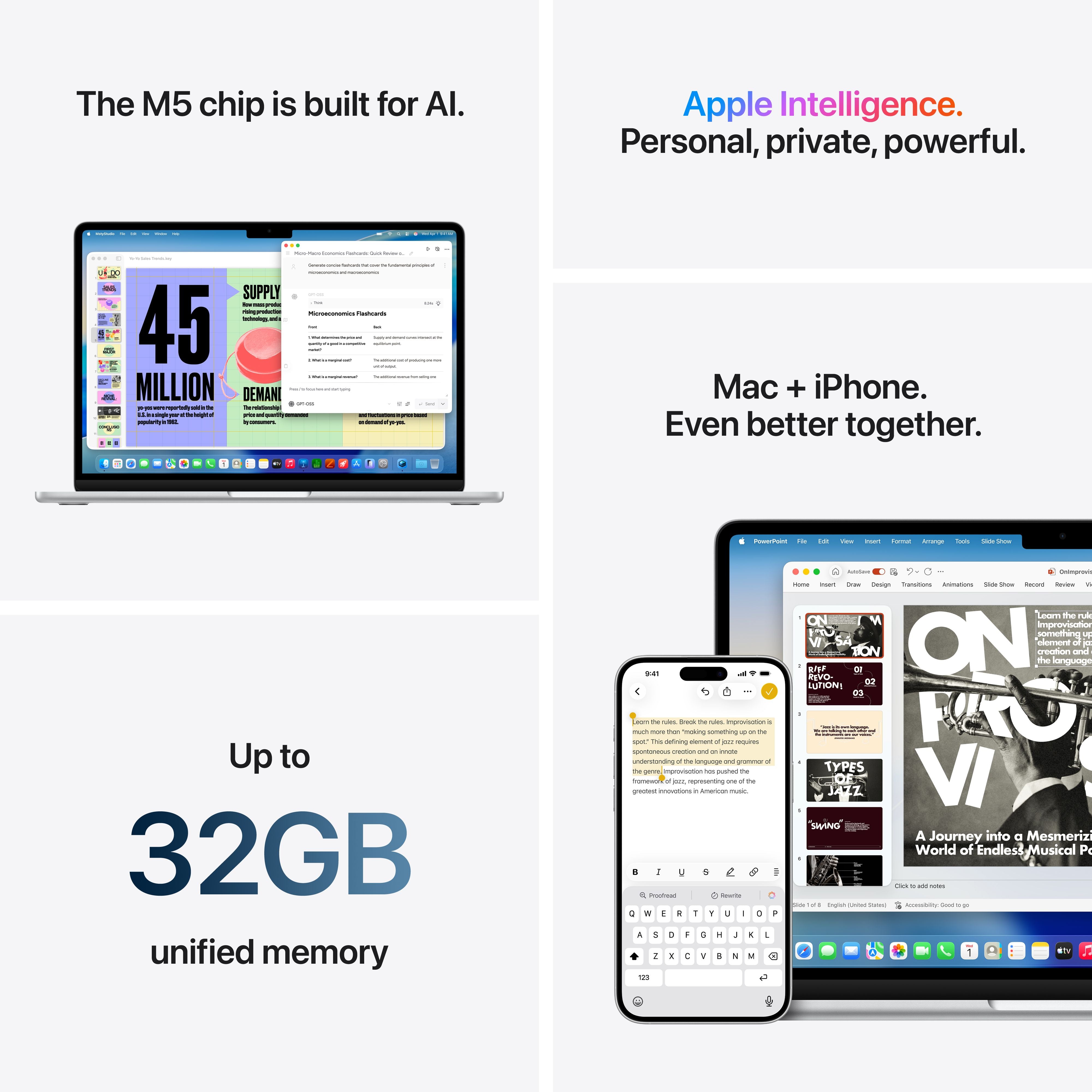
The MacBook Air M5 brings meaningful upgrades that make it faster, smarter, and better equipped for years of everyday use. Compared to previous models, it features the new M5 chip, doubles the base storage to 512GB, delivers faster SSD performance, and significantly improves AI capabilities through dedicated Neural Accelerators and a 16-core Neural Engine.
Whether you're multitasking, coding, editing photos, or using Apple Intelligence features, the MacBook Air M5 delivers smooth, responsive performance with its powerful 10-core CPU and advanced GPU.
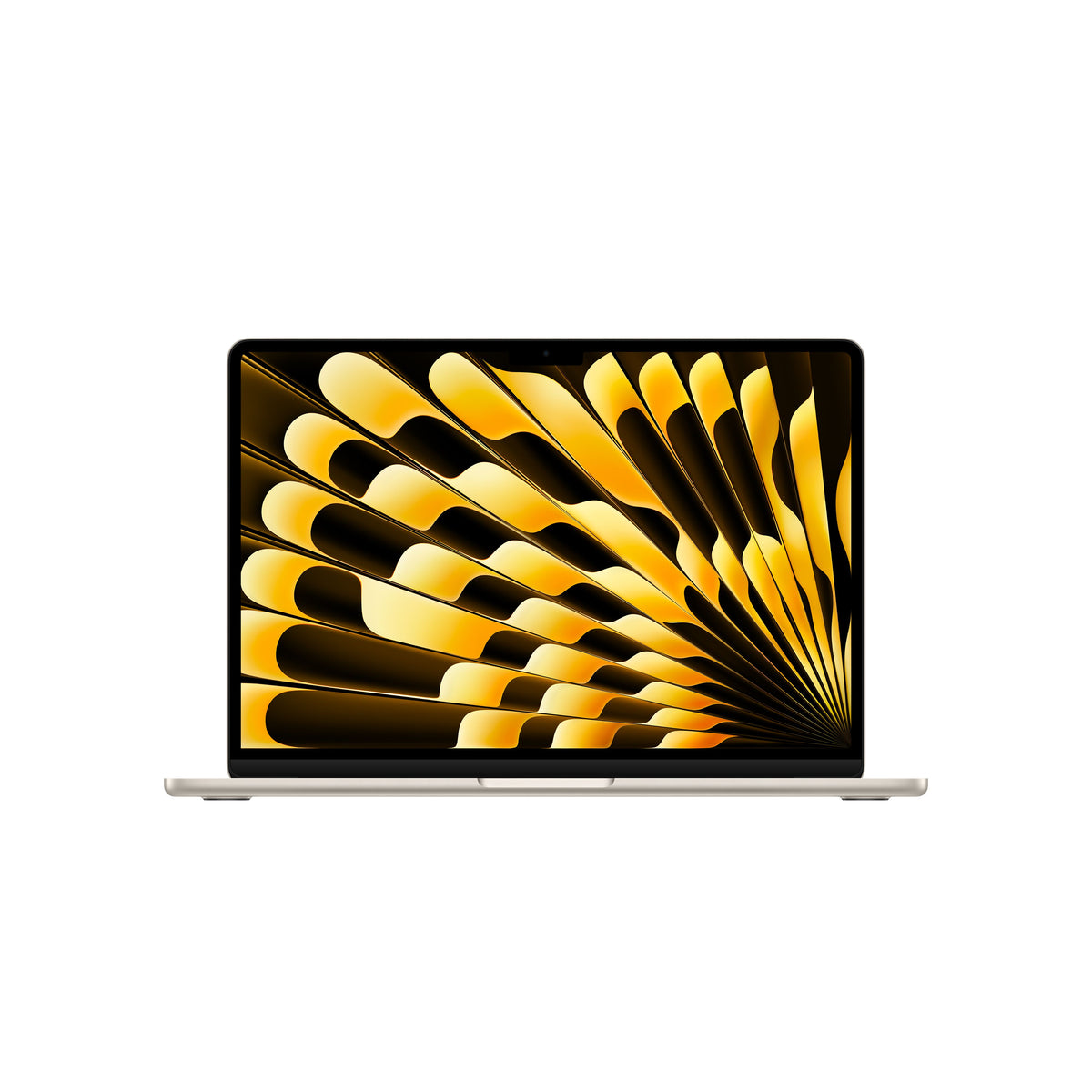
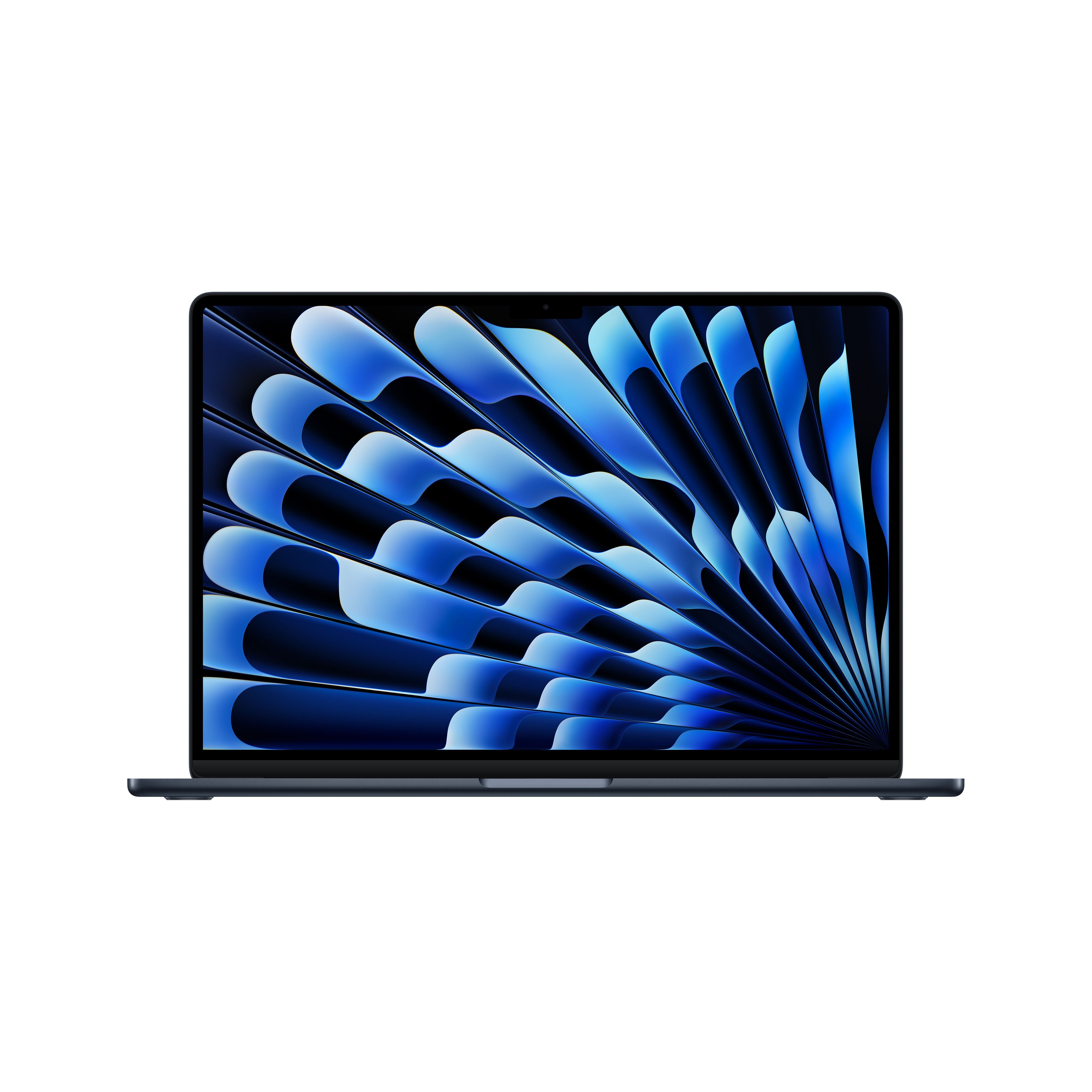
While the performance has improved, the design remains the same sleek, fan-less aluminium body introduced with the M2 generation. It's available in 13-inch and 15-inchsizes, both featuring a brilliant Liquid Retina display with up to 500 nits brightness and support for one billion colours. Performance is identical across both models, so your choice comes down to screen size and portability not speed.
(Wondering which of the MacBook M5 variants – 13-inch or 15-inch - suits you? Visit (Link) to learn more.)
Battery life remains one of its biggest strengths, offering up to 18 hours of video playbackand support for fast charging.
For most students, professionals, and creators, the MacBook Air M5 is more than capable. However, if your workflow involves intensive 3D rendering, large AI models, or multiple virtual machines, the MacBook Pro remains the better choice.
MacBook Air M5 512GB vs 1TB: The Core Difference
Buyers often wonder whether to choose the 512GB or 1TB model. Both configurations use the same M5 chip and have the same display, battery life, and build. The only difference between the two is storage capacity. The question then boils down to this: how much local storage do you really need?
|
Feature |
MacBook Air M5 13-inch |
MacBook Air M5 15-inch |
|
Chip |
Apple M5 (10-core CPU) |
Apple M5 (10-core CPU) |
|
GPU |
8-core or 10-core |
8-core or 10-core |
|
RAM Options |
16GB / 24GB / 32GB |
16GB / 24GB / 32GB |
|
Display |
13.6" or 15.3" Liquid Retina |
13.6" or 15.3" Liquid Retina |
|
Battery |
Up to 18 hours |
Up to 18 hours |
|
Storage |
512GB SSD |
1TB SSD |
Choose the MacBook Air M5 512GB if you are:
- A student working with documents, PDFs, presentations, and coding projects
-
An office or remote worker who uses cloud-based document suites
-
A casual user who mostly engages in browsing, streaming, video calls, and emails
-
Someone who uploads photos and documents to the cloud
-
A developer working with moderate codebases and repositories
Documents, PDFs, presentations, and coding projects need very little space. A typical four-year college journey generates perhaps 50–100GB of academic files. Development environments like VS Code, Xcode, and Python add another 20–30 GB. The MacBook Air M5 512GB leaves ample headroom for personal media, applications, and future growth.
The MacBook Air M5 512GB is also the most accessible entry point for students and first-time Mac buyers. It delivers the full M5 performance, Apple Intelligence capabilities, and 18-hour battery life without warranting a higher investment.
Choose the MacBook Air M5 1TB if you are:
-
A video editor working with 4K footage in Final Cut Pro or DaVinci Resolve
-
A photographer managing RAW files and Lightroom catalogues
-
A developer running Docker containers, multiple simulators, or large repositories
-
A designer working with complex layered files in Figma or Adobe Creative Suite
-
A power user who prefers storing files locally than managing external storage
A single 4K video project can consume 100–200GB. A Lightroom catalogue with RAW files from a semester of photography coursework can exceed 300GB. Docker containers and Xcode with multiple iOS simulators can occupy 200–400GB. For these workflows, the MacBook Air M5 1TB provides breathing room that the 512GB configuration cannot offer
The MacBook Air M5 1 TB gives you more room as your storage needs grow. As file sizes grow and workflows become more demanding, having double the storage ensures you will not need to actively manage disk space or carry external drives.
Storage fills faster than you think
|
File |
Approximate size |
|
macOS |
25GB |
|
Xcode |
15GB |
|
Adobe CC |
20GB |
|
Lightroom Library |
150GB |
|
4K Video Project |
120GB |
Pros and cons of the MacBook Air M5 512GB
|
Pros |
Cons |
|
Lower price |
Less headroom for media libraries |
|
Excellent for students |
May require external storage later |
|
Plenty for cloud-first workflows |
|
Pros and cons of the MacBook Air M5 1TB
|
Pros |
Cons |
|
More headroom for media libraries |
Higher price – unsuitable for students |
|
Ideal for large creative projects |
Does not need external storage later |
|
Better suited for growing storage needs |
|
A mistake we often see
Many buyers choose 1TB thinking it'll make their Mac faster.
It won't. Storage affects capacity - not everyday performance.
Unless your work genuinely needs the extra space, 512GB is often the smarter investment.
Ready to Choose Your MacBook Air M5?
Still deciding? Visit your nearest Imagine store and bring your current laptop. Our Apple Certified Specialists can help estimate your storage needs, compare configurations, and recommend the Mac that's right for the way you work.
See MacBook Air M5 Configurations at Imagine →
MacBook Air M5 Price in India: Things to Know
As of June 2026
13-inch (512GB): Starts from ₹149,900
15-inch: Starts from ₹239,900
*Prices are subject to change.
The MacBook Air M5 price in India varies based on storage, RAM, display size, and eligible student offers. While the 512GB model is the most affordable entry point, upgrading to 1TB storage, 24GB RAM, or the 15-inch display increases the overall cost. Students may also benefit from education pricing through Imagine. Beyond the purchase price, consider the MacBook Air's strong resale value, premium build quality, and long-term software support when evaluating its overall value.
For current pricing and availability, Check the MacBook Air M5 Collections at Imagine.
Final Thoughts: Best Configuration for Most Buyers
The MacBook Air M5 512GB vs 1TB choice ultimately boils down to your specific workflow and how you manage files.
If you are someone who works with large files locally, as a video editor, photographer, developer with containerized workflows, or just prefers not to manage external storage, you need a MacBook Air M5 1 TB.
The additional storage gives you more room as your files and projects grow.
For most Indian buyers, the 13-inch MacBook Air M5 model with 16GB RAM and 512GB storage will suffice. It delivers the full M5 performance, Apple Intelligence capabilities, all-day battery life, and silent operation at the most accessible entry point. Students, professionals, and casual users will find this configuration sufficient for years of use.
To purchase a MacBook Air M5 in India, explore the full lineup and configuration options through Imagine's product experts, who can guide you to the right choice based on your actual workflow. At imagineonline.store, our Apple Certified Specialists are available to help you evaluate your actual storage needs before purchase. We can review your current device usage, discuss your upcoming coursework or projects, and recommend the configuration that fits both your workflow and your budget.
Still unsure? Visit your nearest Imagine store and speak to an Apple Certified Specialist. Bring your current laptop - we'll help you estimate how much storage you use, so you buy the right MacBook the first time.
Visit Your Nearest Imagine Store
See the MacBook Air M5 in action, compare storage options, and get personalized recommendations from Apple Certified Specialists to choose the right Mac for your needs.
Frequently Asked Questions
1.Is the MacBook Air M5 512GB enough for most users?
A. Yes, the MacBook Air M5 512GB is sufficient for most users. For students, office workers, and casual users who rely on cloud storage services like iCloud, Google Drive, or OneDrive, the 512GB configuration covers several years of use comfortably. Documents, presentations, code repositories, and everyday applications consume relatively little space. Only heavy creators working with 4K video, RAW photography, or large development environments should consider the 1TB upgrade. The base 512GB model delivers the full M5 performance and Apple Intelligence capabilities without compromise.
2. Can I upgrade storage after buying the MacBook Air M5?
A. No, you cannot upgrade the storage on a MacBook Air M5 after purchase. Like all Apple silicon Macs, the SSD is soldered directly to the M5 chip's unified memory architecture. The storage configuration you select at the time of purchase is permanent for the entire lifespan of the device. There is no aftermarket upgrade path, no third-party expansion, and no external solution that matches the speed of the internal SSD. This makes the MacBook Air M5 512GB vs 1TB decision at checkout critically important for long-term planning.
3.What is the real difference between MacBook Air M5 512GB vs 1TB?
A. The only difference between the MacBook Air M5 512GB and 1TB configurations is the internal SSD storage capacity. Both models share the exact same M5 chip, Liquid Retina display, battery, speakers, ports, and build quality. After formatting, the available storage is slightly lower than the advertised capacity.
Performance is identical in everyday tasks, benchmarks, and application launches. Your decision should be based purely on how much local storage your workflow requires, not on any performance expectation.
4.Is the MacBook Air M5 good for video editing?
A. Yes, the MacBook Air M5 handles video editing efficiently thanks to the M5 chip's 10-core CPU, dedicated media engine, and hardware-accelerated ProRes and H.264 encoding. For 1080p and light 4K editing in Final Cut Pro or DaVinci Resolve, the base configuration performs well. However, for video editing workflows, the MacBook Air M5 1TB with at least 16GB RAM is strongly recommended. Video project files, render caches, and raw footage consume substantial storage quickly, and the fanless design can throttle during extended 4K renders. For professional-grade video production, the MacBook Pro is the more appropriate choice.
5.Should I buy the MacBook Air M5 13-inch or 15-inch?
A. Choose the MacBook Air M5 13-inch if maximum portability is your priority. At 1.23 kg, it is significantly lighter for daily commuting, fits easily in smaller bags, and occupies less space on cramped desks. Choose the MacBook Air M5 15-inch if you primarily work at a fixed location and value screen real estate for multitasking, spreadsheet work, or media consumption. The 15-inch model also features a six-speaker system with force-cancelling woofers that delivers noticeably richer audio for video calls and content. Both models share identical performance and battery life.
6.How long does the MacBook Air M5 battery last?
A. According to Apple's official testing, the MacBook Air M5 Specs confirm up to 18 hours of video streaming and up to 15 hours of wireless web browsing on a single charge. For typical student use attending lectures, working in the library, streaming lectures, and browsing research papers the battery comfortably lasts a full college day without requiring a charger. The 53.8-watt-hour battery supports fast charging with a 70W or higher USB PD power source, reaching approximately 50 percent charge in 30 minutes.
7.Does the MacBook Air M5 support external displays?
A. Yes, the MacBook Air M5 Specs include support for up to two external displays at 6K resolution and 60Hz refresh rate simultaneously, or one external display at 8K resolution and 60Hz. This is in addition to the built-in Liquid Retina display. The Thunderbolt 4 ports provide the necessary bandwidth for high-resolution monitors, docking stations, and external GPUs. For students and professionals who use a desk setup with multiple monitors, this external display support makes the MacBook Air M5 a viable primary workstation when docked.
8.What colours are available for the MacBook Air M5?
A. The MacBook Air M5 Specs list four colour options: Midnight, Starlight, Silver, and Sky Blue. All colours feature a matching MagSafe 3 charging cable, maintaining a consistent aesthetic. The Midnight finish uses an anodization seal to reduce fingerprints compared to previous generations. Starlight offers a warm champagne tone, Silver remains the classic Apple look, and Sky Blue is a new addition for 2026 that shifts subtly under different lighting. Colour choice does not affect performance, storage, or pricing.
9. Is 512GB enough if I use iCloud?
A. Yes, it is.
Shop the MacBook Air M5 at Imagine
As an Authorised Apple Premium Partner, every MacBook Air M5 at Imagine comes with full Apple India warranty coverage and genuine Apple accessories. Our team provides setup guidance, data migration assistance, and ongoing support for the life of your device.
Explore our Variants in Air M5
View MacBook Air M5 13-inch at Imagine →
Discover the MacBook Air 13-inch with the Apple M5 chip, Liquid Retina display, and configurable options including 16GB–32GB unified memory and 512GB–4TB SSD storage in Sky Blue, Silver, Starlight, and Midnight.
View MacBook Air M5 15-inch at Imagine →
Discover the MacBook Air 15-inch featuring the Apple M5 chip, a spacious Liquid Retina display, and configurable options including 16GB–32GB unified memory and 512GB–4TB SSD storage in Sky Blue, Silver, Starlight, and Midnight.