The iPad Pro M5 with Magic Keyboard and Apple Pencil Pro - Imagine Online Store India
You're about to spend over INR 1 lakh on the device that will see you through college. The question isn't which Apple device is better - it's which one is better for the way you'll study, create and work over the next four years.
Choosing between the iPad Pro M5 and MacBook Air M5 is the first big tech decision most Indian college students face. Both now run on Apple's M5 chip, both fall in a similar price bracket starting around ₹1 lakh in India, and both promise to last you all four years - but they are built for very different workflows.
In this guide, we compare the iPad Pro M5 vs MacBook Air M5 across price, performance, and real college use cases - coding, note-taking, research, and creative work - so you can decide which device, or combination, fits your course and budget.
Quick Answer
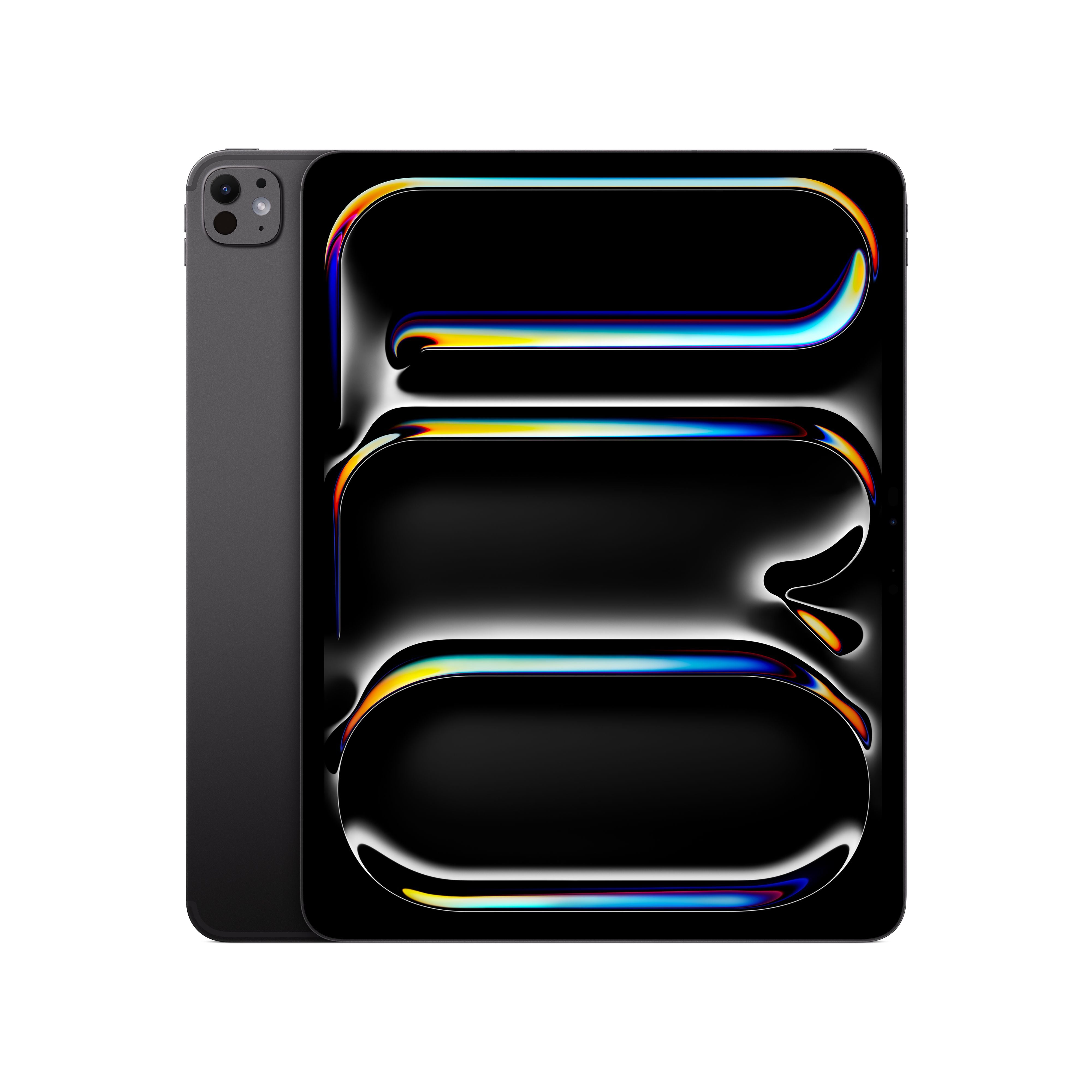
- The iPad Pro M5 with the M5 chip features a 10-core GPU with Neural Accelerators and up to 16GB unified memory, making it the most powerful iPad ever.
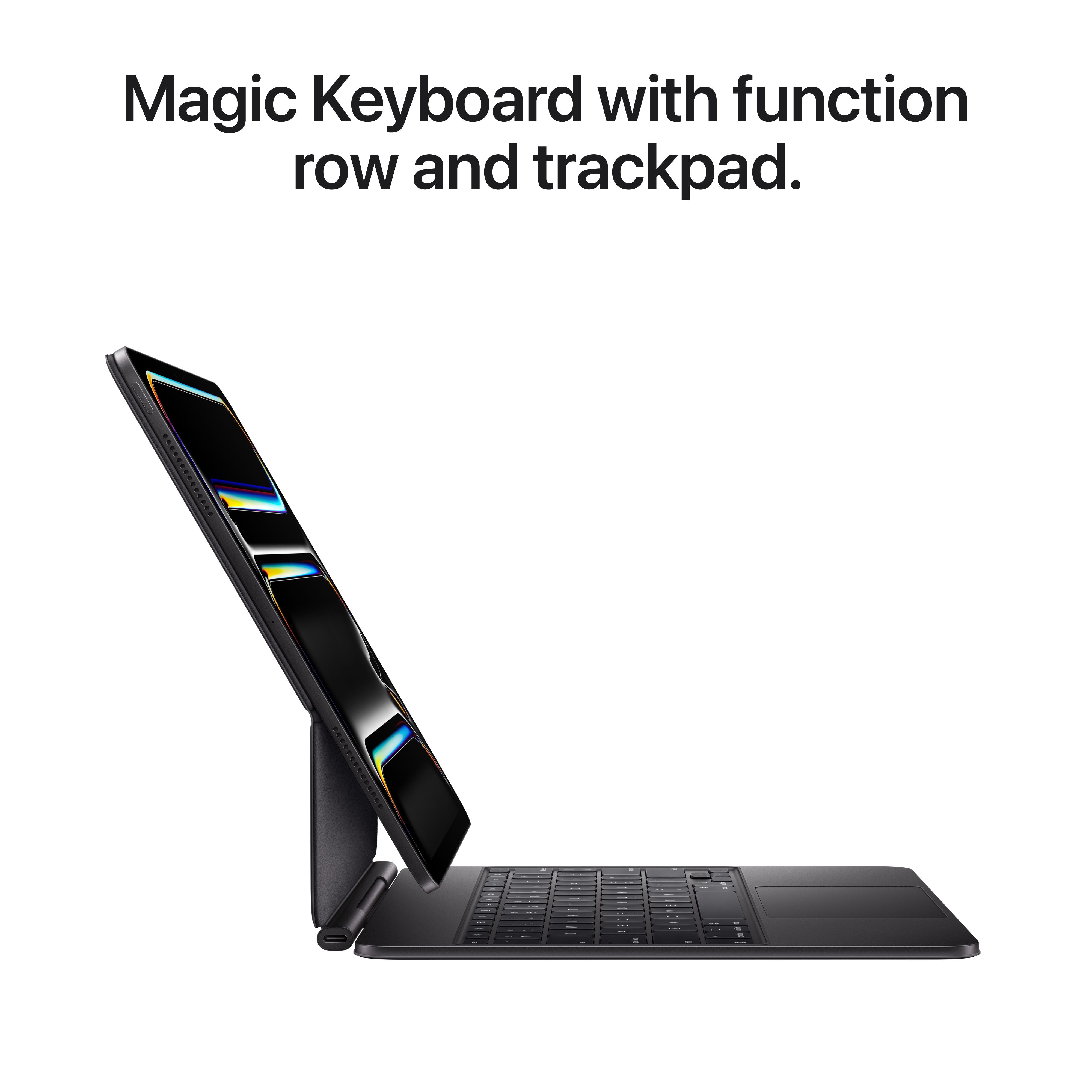
- For notetaking, digital art, and light productivity, the iPad Pro M5 with Apple Pencil Pro and Magic Keyboard is a compelling alternative to the MacBook.
- For coding, heavy multitasking, and file management, the MacBook Air M5 with macOS Tahoe remains the better choice.
- Your field of study - engineering, design, business, or humanities - is the single biggest factor determining your choice.
| Course | Best Choice | Why |
| Engineering | MacBook Air | Coding & software |
| Design | iPad Pro | Pencil workflows |
| Business | MacBook Air | Productivity |
| Humanities | Depends | Reading vs typing |
| If you study | Buy the iPad Pro M5 | Continue using the MacBook Air M5 |
| Computer Science | Yes | |
| Engineering | Yes | |
| Design | Yes | |
| Business Analytics | Yes | |
| Humanities | Yes |
Common Student Mistakes
- Buying an iPad thinking it's a laptop replacement - then discovering required software only runs on macOS.
- Buying a MacBook when most of your work revolves around sketching, annotating and digital illustration.
iPad Pro M5 Specs: What Has Actually Changed?
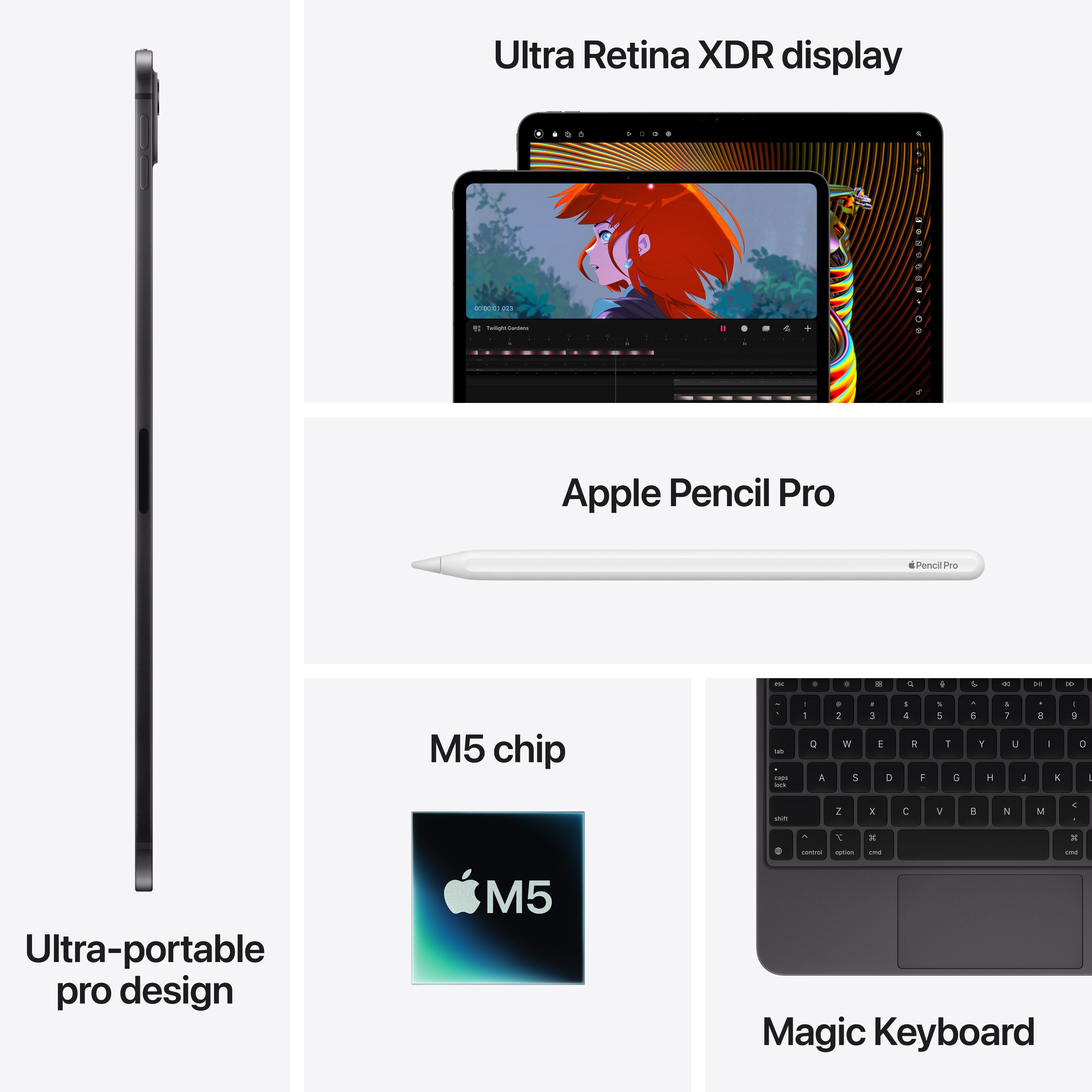
The iPad Pro M5,the most significant internal upgrade in the iPad Pro line-up since the original M1 transition, and which launched in October 2025, helps large creative files open faster, apps switch more smoothly, and demanding projects stay responsive.
The M5 Chip: Built for the Way Students Work
The iPad Pro M5 is powered by Apple's latest M5 chip, making it the fastest and most capable iPad ever. Whether you're editing 4K videos, working with large design files, analysing datasets, or juggling multiple apps during a research project, the M5 delivers smooth, responsive performance without slowing you down.
The M5 also introduces a 10-core GPU with Neural Accelerators, a first for the iPad, bringing faster graphics performance and improved on-device AI capabilities. Depending on the storage configuration you choose, the iPad Pro is available with up to a 10-core CPU and 16GB of unified memory, giving students and creators plenty of power for demanding workloads.
Performance improvements go beyond the processor. Memory bandwidth is up by nearly 30 percent over the previous generation, while storage speeds are up to twice as fast. In everyday use, this means apps launch more quickly, large files transfer faster, and demanding creative projects feel noticeably smoother.
Display and Design
Available in 11-inch and 13-inch sizes, the iPad Pro combines a stunning Ultra Retina XDR display with Tandem OLED technology and ProMotion's adaptive refresh rate of up to 120Hz. Whether you're reviewing lecture notes, editing photos, watching HDR content, or sketching with Apple Pencil Pro, everything looks incredibly sharp, fluid, and vibrant.
A new minimum brightness of just 1 nit also makes late-night study sessions more comfortable, reducing eye strain when working in darker environments.
Despite their performance, both models remain remarkably portable. The 11-inch model weighs just 446 grams, making it easy to carry between classes, while the 13-inch model weighs only 579 grams, offering a significantly larger workspace without feeling cumbersome in your backpack.
Faster Connectivity for Everyday Productivity
The iPad Pro is also better equipped for modern workflows. Wi-Fi 7 and Bluetooth 6 deliver faster and more reliable wireless performance, while cellular models benefit from Apple's latest C1X modem for quicker 5G connectivity on the move.
For students and professionals who use external displays, Thunderbolt/USB 4 support enables a single monitor at up to 6K resolution or 4K at 120Hz, making it easy to transition from studying on campus to working at a full desk setup.
Whether you choose the compact 11-inch model or the larger 13-inch version, you'll get the same flagship performance, display quality, and productivity features. The decision ultimately comes down to whether you value maximum portability or a larger canvas for multitasking and creative work.
iPad Pro M5 Review: Real-World Performance for Students
Note-Taking and Research
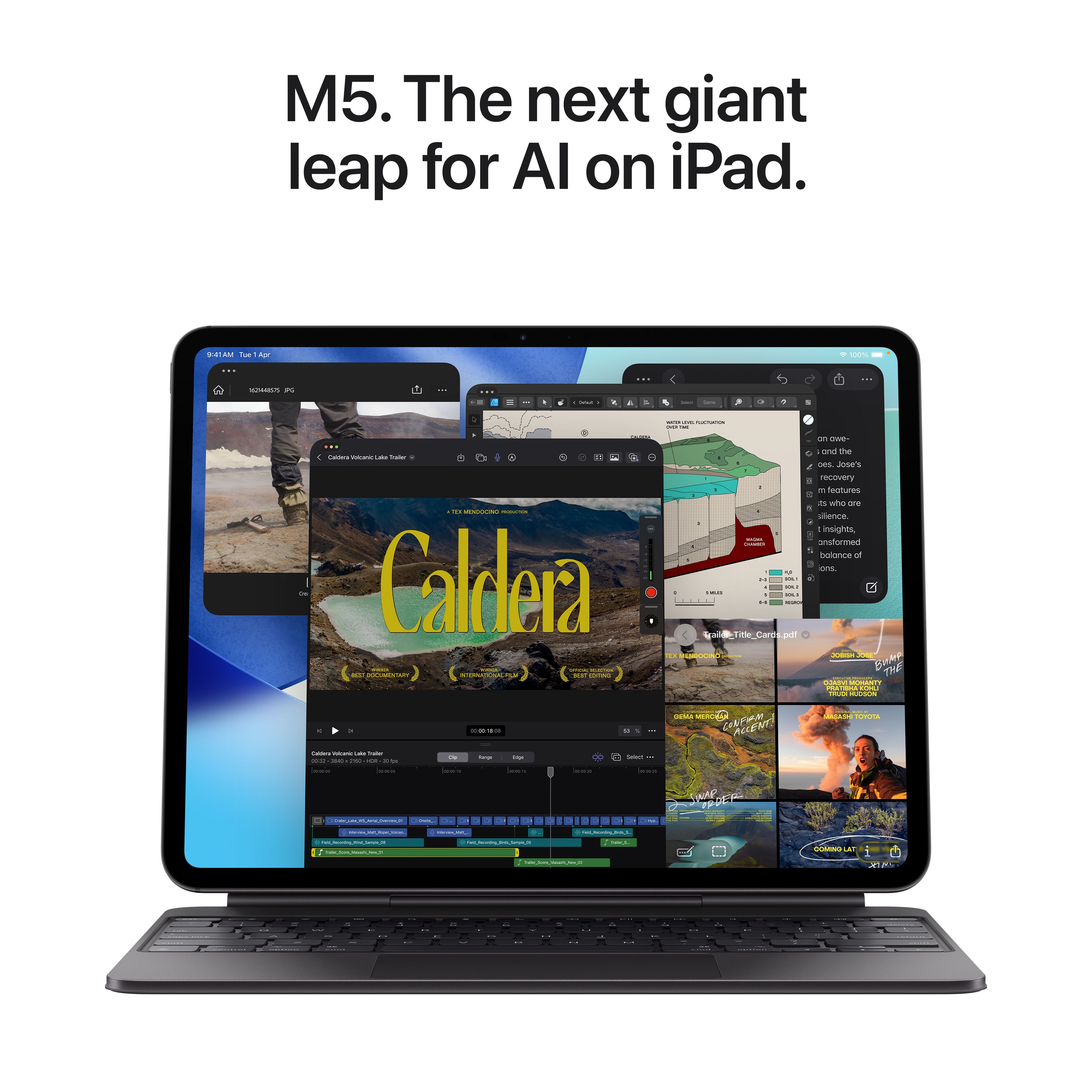
With Apple Pencil Pro and the reimagined windowing system in iPadOS 26, the iPad Pro M5 handles multitasking in ways older iPads could not. You can now open more windows simultaneously, resize and rearrange them freely, and split the screen into thirds or quarters. For students who need to reference a PDF textbook while taking notes in GoodNotes and browsing research papers in Safari, this is transformative.
The Apple Pencil Pro adds squeeze gestures, barrel roll, and haptic feedback features - subtle but genuinely useful improvements for artists and annotators. The hover functionality remains, letting you preview marks before committing them to the page.
Creative Work: For design students, the iPad Pro M5 is a boon. The M5 chip delivers up to 6.7x faster 3D rendering with ray tracing compared to the M1 iPad Pro, and up to 4x faster AI image generation. Apps like Procreate, Adobe Fresco, and DaVinci Resolve for iPad run fluidly. The 12MP wide rear camera and LiDAR scanner also enable advanced AR workflows for architecture and interior design students.
Where It Still Falls Short: Despite the power, the iPad Pro M5 is still an iPad, not a MacBook. File management in iPadOS 26, while improved, still lacks the flexibility of macOS Finder. Terminal access is restricted. Xcode is not available on iPad, which rules it out for iOS development students. And while external display support has improved, it remains more limited than what the macOS offers.
In short, the iPad Pro M5 is a phenomenal creative and consumption device, but it still operates within the constraints of a tablet operating system.
The MacBook Air M5 offers longer battery life, a traditional laptop experience, and support for multitasking across desktop-style workflows. The iPad Pro M5 focuses on portability, touch interaction, Apple Pencil workflows, and a flexible creative experience for students and creators.
Choosing between the two devices ultimately depends on your workflow preferences, portability requirements, and academic or professional needs. Students wanting to compare Apple devices and explore education pricing can also visit Imagine Online Store Student Offers.
iPad or MacBook for Students: Which Field Needs What?
Choosing between an iPad and MacBook for students depends largely on your field of study, daily workflow, and software requirements. While the iPad Pro M5 offers portability, touch interaction, and Apple Pencil support for creative and note-taking workflows, the MacBook Air M5 provides a more traditional desktop-style experience suited for multitasking, coding, research, and productivity-focused academic work.
Engineering and Computer Science
If your coursework involves coding in Python, Java, C++, or Swift, the MacBook Air M5 is the clear choice. macOS Tahoe provides native terminal access, full Xcode support, and seamless compatibility with development environments like VS Code, Docker, and Git. The iPad Pro M5, despite its raw power, cannot run Xcode or provide the same level of development tooling.
Design, Architecture, and Fine Arts
For students in creative fields, the iPad Pro M5 with Apple Pencil Pro is arguably the better tool. The direct stylus input, ProMotion display, and optimised apps like Procreate, Adobe Fresco, and Shapr3D make it a superior sketching and conceptualisation device. The MacBook Air M5 remains better for final production work in Adobe Creative Suite and CAD software that requires macOS.
Business, Commerce, and Humanities
For students primarily writing papers, creating presentations, analysing Excel data, and attending online lectures, either device works well. The iPad Pro M5 offers more flexibility for handwritten annotations and reading, while the MacBook Air M5 provides a more traditional and efficient typing and file management experience. Your preference for touch versus trackpad should help you make the ultimate choice.
Medicine and Life Sciences
Medical students benefit from the iPad Pro M5's portability for ward rounds and the ability to annotate diagrams directly. However, research work involving statistical software like R or SPSS still favours the MacBook Air M5. Many medical schools in India now recommend iPads for pre-clinical years and MacBooks for clinical research phases.
Before deciding, ask yourself:
- Will I code?
- Will I draw?
- Do I type essays every day?
- Will I edit videos?
- Do I already own another computer?
Imagine Recommends
If you're buying your first Apple device for college, visit an Imagine store before making your decision. Bring your course syllabus or tell us the software you'll be using - we'll help you choose the device that fits your academic needs, not just your budget.
iPad Pro or MacBook - The Final Verdict
After evaluating both devices across real college workflows, our recommendation is clear but nuanced. The iPad Pro M5 can replace a MacBook for a specific subset of students - primarily those in design, fine arts, and certain humanities fields where touch input and stylus precision matter more than traditional computing flexibility.
For most Indian college students, particularly those in engineering, computer science, business analytics, and research-heavy disciplines, the MacBook Air M5 remains the more practical and capable choice. The full desktop operating system, superior battery life, built-in keyboard and trackpad, and broader software compatibility make it a safer four-year investment.
That said, if you already own a desktop or older laptop for heavy tasks, the iPad Pro M5 can act like an exceptional secondary device for notetaking, reading, and creative work on campus.
Our recommendation: For most Indian college students in 2026, the MacBook Air M5 is the better primary device. The iPad Pro M5 is best as a dedicated creative tool or secondary companion device.
Conclusion
So, iPad Pro M5 or MacBook Air M5 - which should Indian college students buy in 2026? For engineering, computer science, and business analytics students, the MacBook Air M5 remains the safer four-year investment thanks to full macOS flexibility and coding support. For design, architecture, and fine arts students, the iPad Pro M5 with Apple Pencil Pro is the stronger creative tool. For students who already own one device, adding the other can create an excellent combination for coursework and creativity - a MacBook Air for coursework and an iPad Pro as a portable notetaking companion.
Still unsure? Visit your nearest Imagine Store in Bengaluru, Chennai, Hyderabad, Kochi, Mumbai, or Pune to try both devices hands-on and get a recommendation from our Apple Certified Specialists based on your specific course.
Frequently Asked Questions
1. Can an iPad replace a laptop for college?
A. The iPad Pro M5 can replace a laptop for those college students whose work primarily involves note-taking, digital art, content consumption, and light productivity. However, for coding, heavy multitasking, advanced file management, and software requiring macOS or Windows, a MacBook Air M5 remains the preferred choice. Your field of study is the deciding factor.
2. Is the iPad Pro M5 worth it for students in India?
A. For design, architecture, and fine arts students who will use the Apple Pencil Pro and Magic Keyboard daily, the iPad Pro M5 is worth the investment. For engineering, computer science, and business students, the MacBook Air M5 offers better long-term value. Education pricing available at Imagine Store makes both devices more accessible for verified students.
3. What Is the iPad Pro M5 Price in India?
A. The iPad Pro M5 is available in multiple display sizes, storage options, and connectivity configurations. The pricing may vary depending on the selected model and specifications. Students can also explore eligible education pricing, and student offers through Imagine Online Store Student Offers. For the latest availability and current configurations, visit the official Imagine Product Page.
4. Can I code on iPad Pro M5?
A. The iPad Pro M5 supports coding through apps like Swift Playgrounds and various cloud-based IDEs. However, it cannot run Xcode, full local development environments, or compile most native applications. For computer science and software engineering students, the MacBook Air M5 with macOS Tahoe is the appropriate choice.
5. Does iPad Pro M5 support external monitors?
A. Yes, the iPad Pro M5 supports one external display at up to 6K resolution at 60Hz or 4K at 120Hz via Thunderbolt/USB 4. This is a significant improvement over previous generations. However, the MacBook Air M5 supports up to two external displays simultaneously, offering greater flexibility for multi-monitor desk setups.
Shop the iPad Pro M5 and MacBook Air M5 at Imagine Store Online
As an Apple Premium Partner, every device at Imagine comes with full Apple India warranty and genuine Apple accessories. Our team can help you choose the right configuration for your course and budget.
Explore our Variants
View iPad Pro M5 at Imagine →
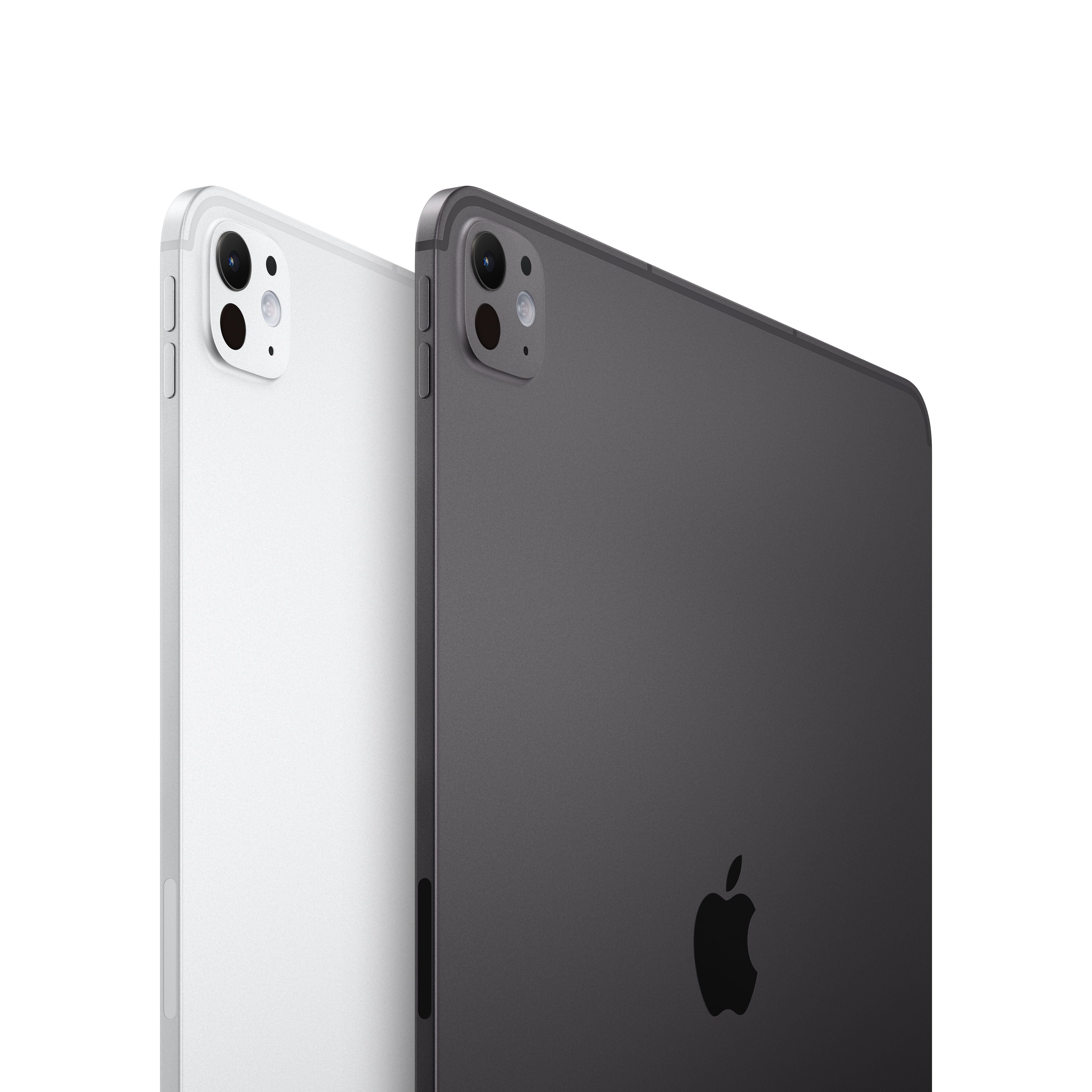
Discover the iPad Pro M5, available in 11-inch and 13-inch Ultra Retina XDR display options with Space Black and Silver finishes. Choose from 256GB, 512GB, 1TB, or 2TB storage, along with Wi-Fi or Wi-Fi + Cellular models and Standard or Nano-texture glass configurations for professional-grade performance and creativity.
View MacBook Air M5 at Imagine →
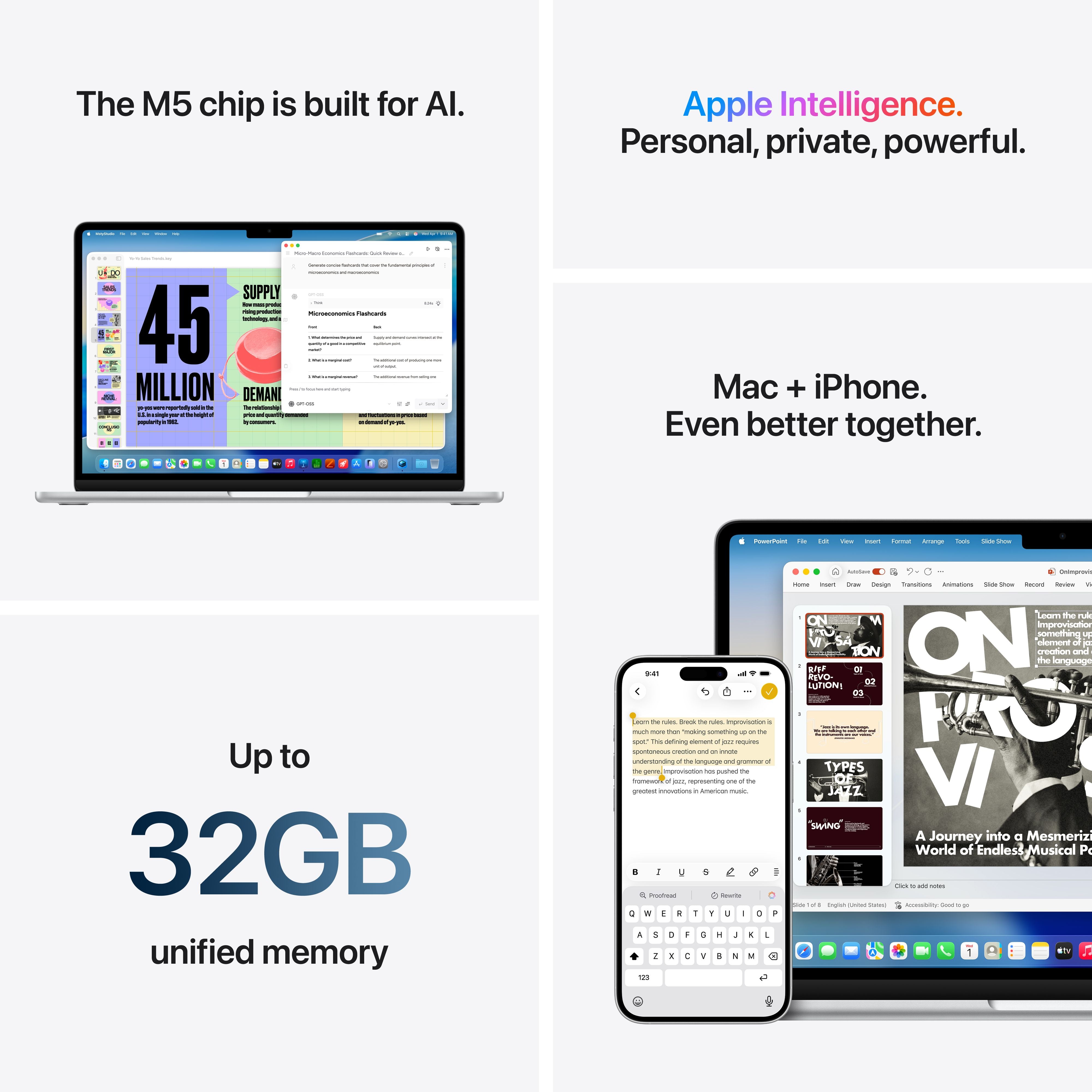
Explore the MacBook Air M5, available in 13-inch and 15-inch sizes with Sky Blue, Silver, Starlight, and Midnight finishes. Configure your MacBook Air with 16GB, 24GB, or 32GB unified memory and 512GB, 1TB, 2TB, or 4TB SSD storage to match your everyday, professional, or creative workflows.